Edit Your AI Images
Change an image by describing the change
Pick one of your own generations or a gallery image and tell an AI edit model what to change: the outfit, the setting, the lighting or the whole style. Results arrive in seconds. 100% AI-generated; real people are blocked.
18+ only · 100% AI-generated · No real people · Results in seconds
What you can change
Pick a kind of edit; the instruction opens in the Studio, ready to adjust.
Change the outfit
Swap clothes or lingerie and keep the person, pose and light.
“Change her outfit to a red satin slip dress, keep her face, pose and lighting the same”
Use this instruction → 2Change the setting
Move the subject to a new place; the light is matched to it.
“Move the scene to a rooftop terrace at night with city lights behind her, keep the person unchanged”
Use this instruction → 3Relight
Same picture, different mood: golden hour, neon, candlelight or flash.
“Relight the scene with warm candlelight from the left and deep shadows, change nothing else”
Use this instruction → 4Restyle
Turn an image into anime, an oil painting or a vintage film still.
“Restyle the whole image as a hand-painted oil portrait with visible brush strokes”
Use this instruction → 5Add or swap an item
Add stockings, swap the jacket for a silk robe, remove a prop from the bed.
“Replace the jacket with a sheer silk robe, keep everything else identical”
Use this instruction → 6Change the expression
A smile, a parted-lips look, eyes to the camera; the rest stays.
“Give her a playful smile with her eyes looking straight into the camera, keep everything else the same”
Use this instruction →Before and after
Real edits from the gallery: the original on the left, the edited result on the right.
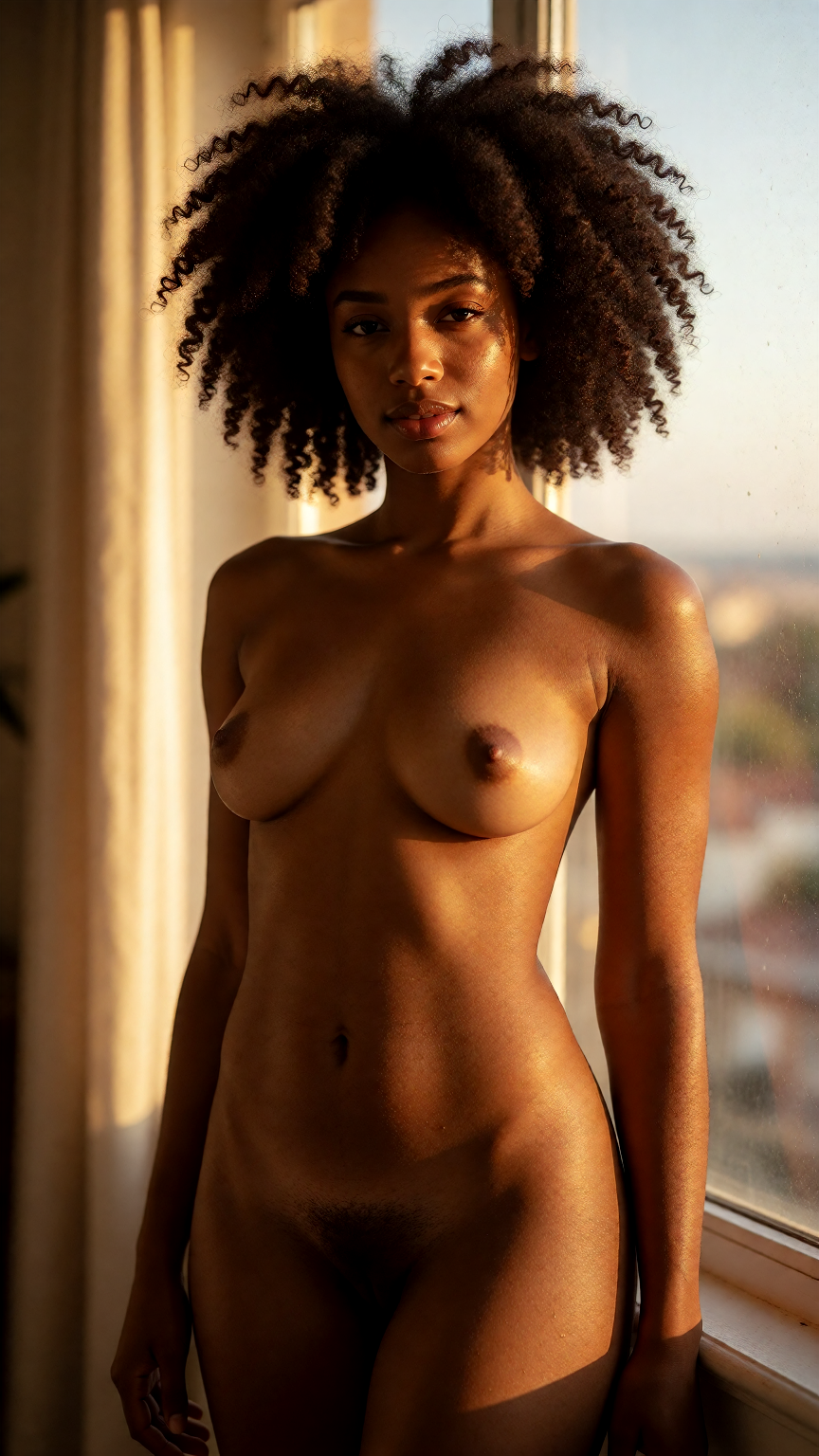
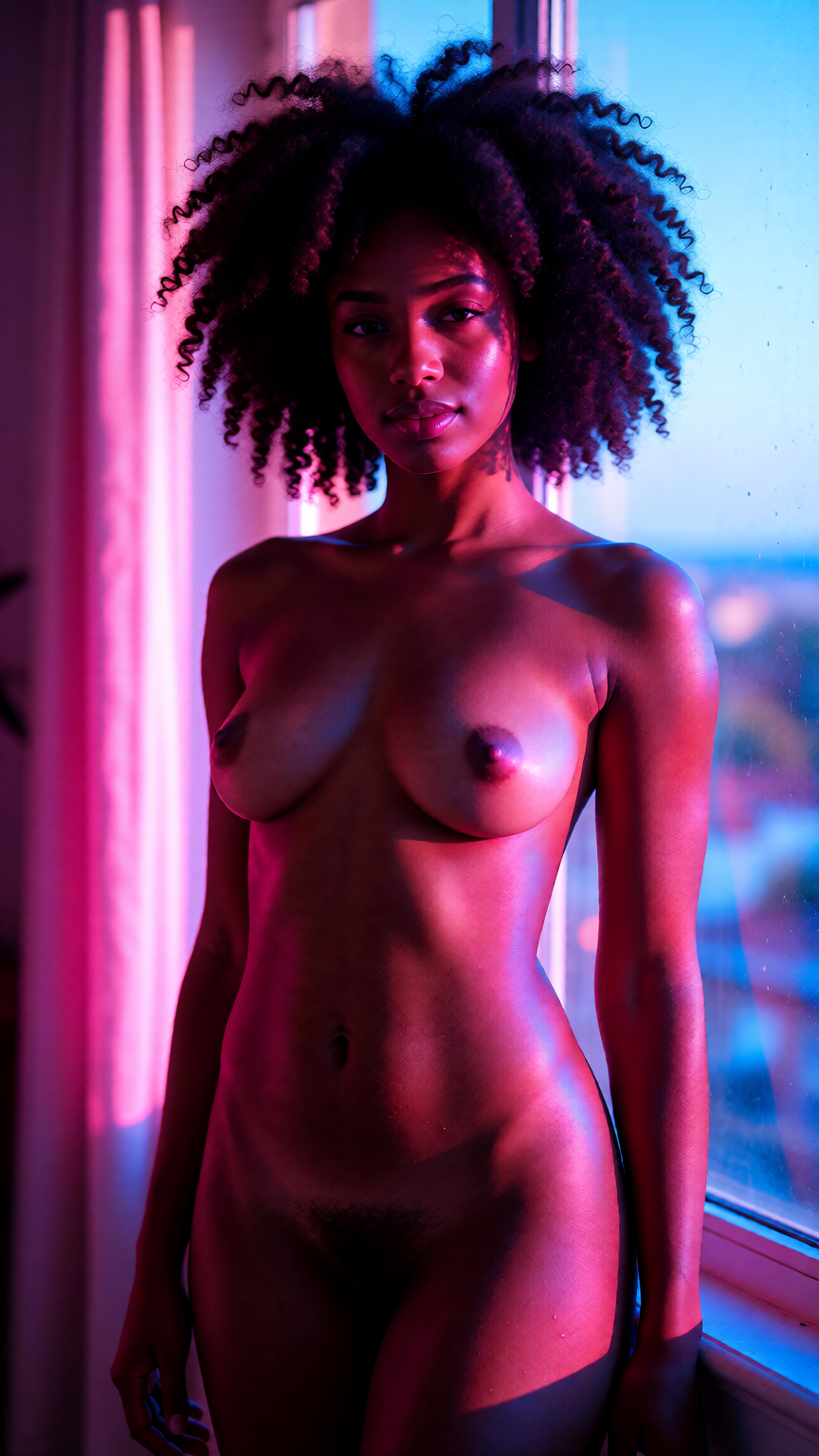
“Beautiful Black adult woman in her early 30s with natural afro hair, nude, standing in golden hour light by a window, glowing skin, photorealistic, Change the l...”
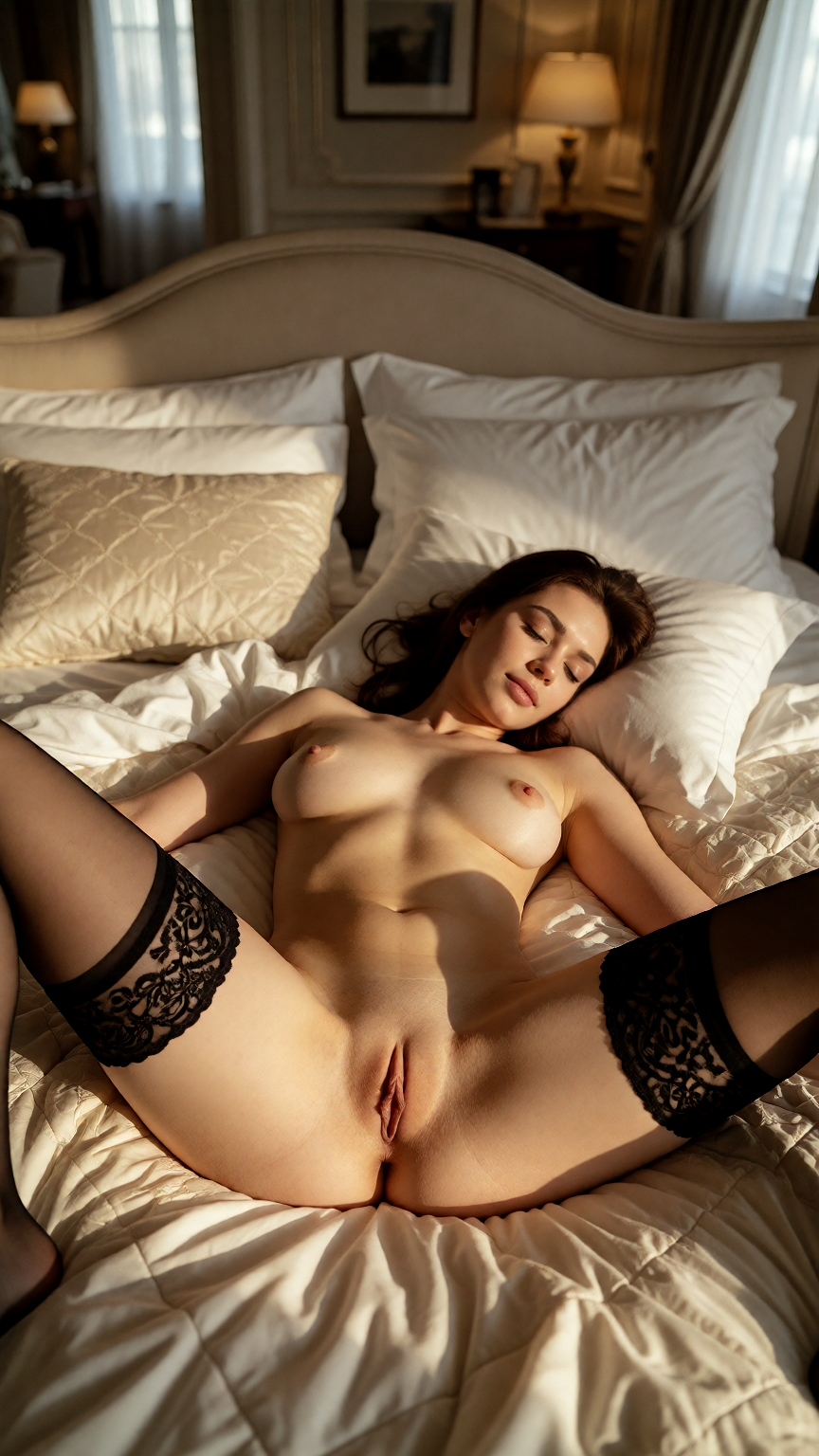
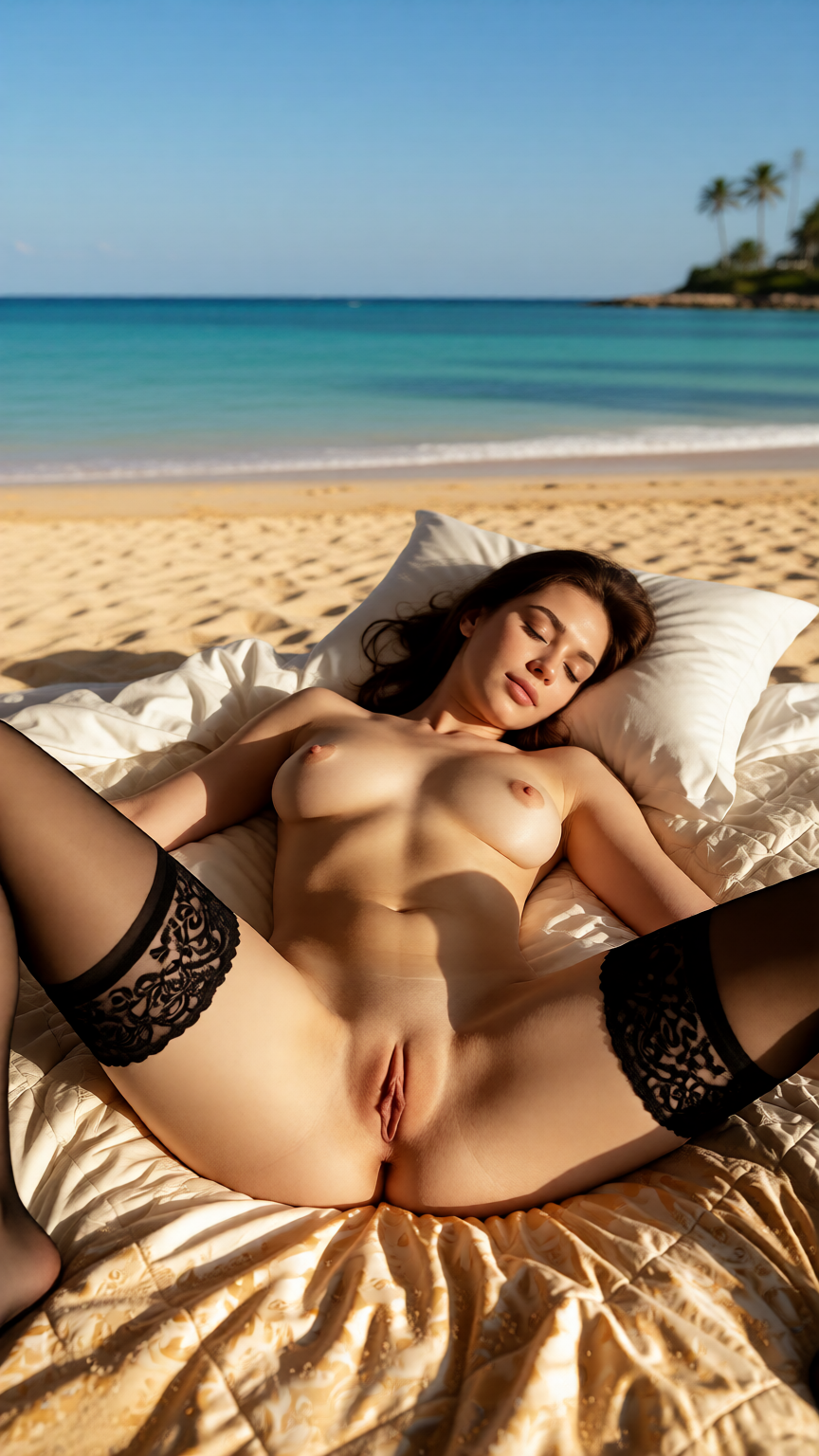
“Adult woman in her early 30s wearing only black lace stockings, nude otherwise, lying on a luxury hotel bed, legs apart, cinematic, explicit, photorealistic, Ch...”
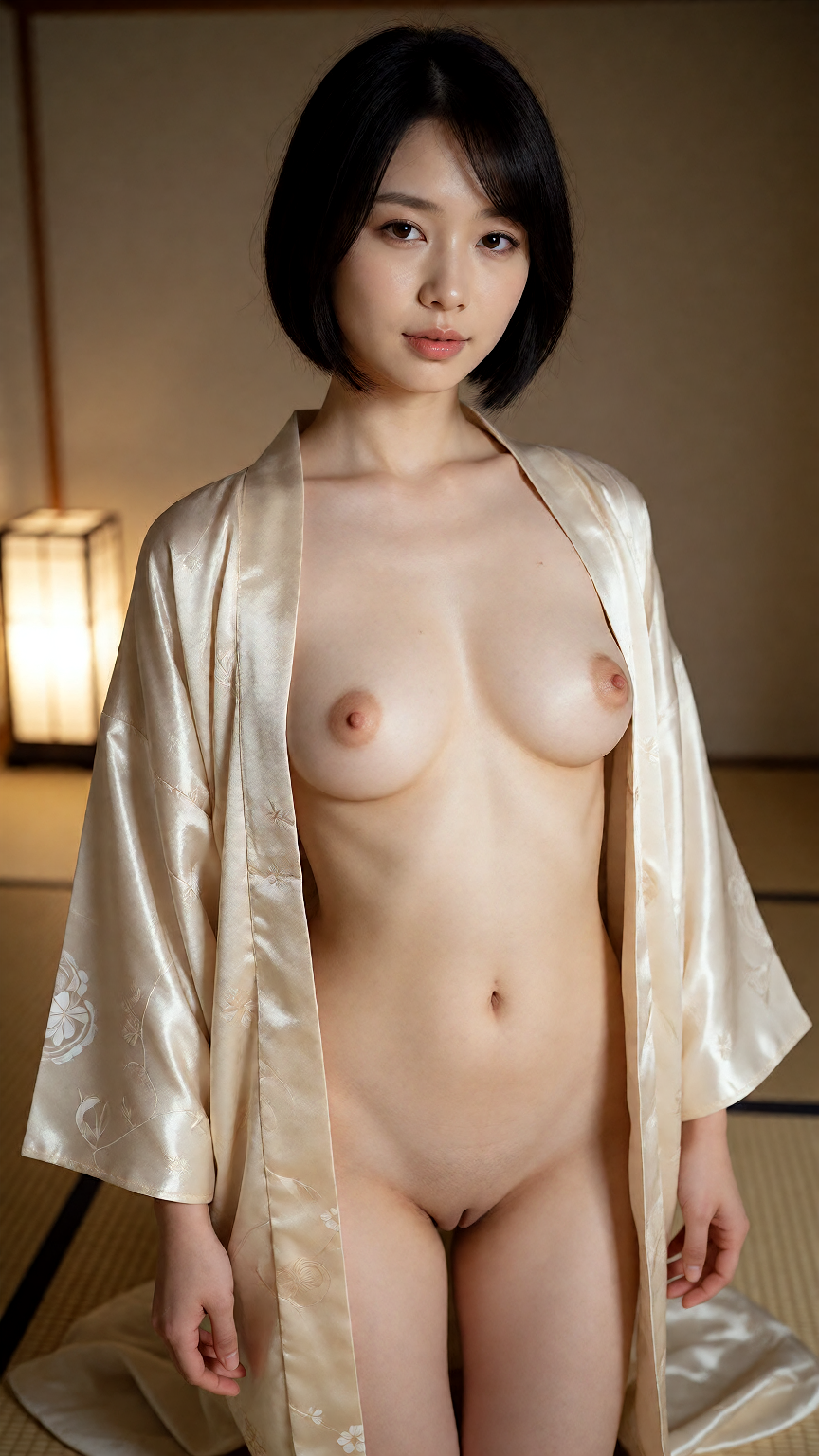
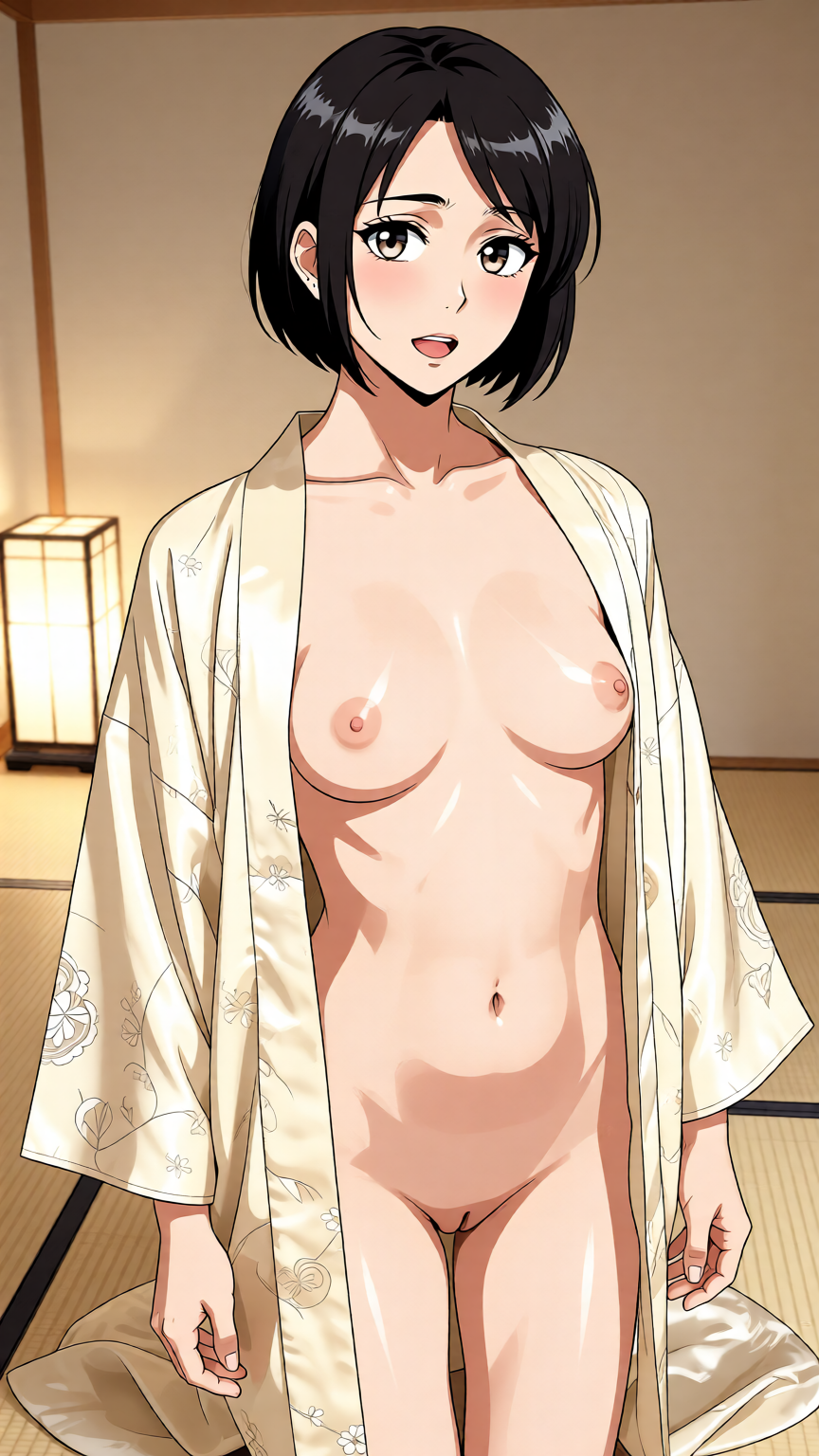
“Japanese adult woman in her early 30s with a sleek black bob, open kimono, nude underneath, in a minimalist tatami room, soft lantern light, photorealistic, Tur...”
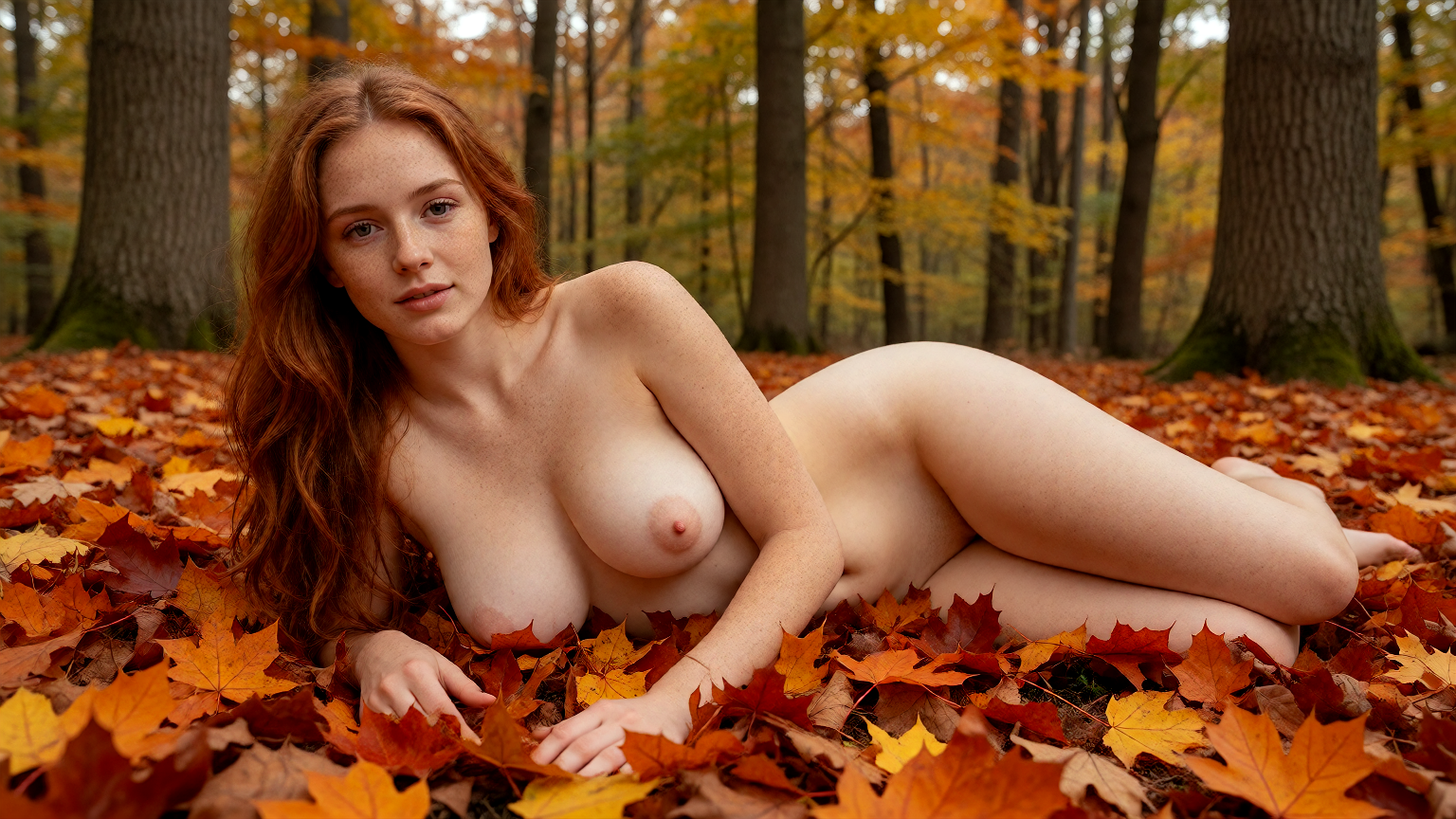
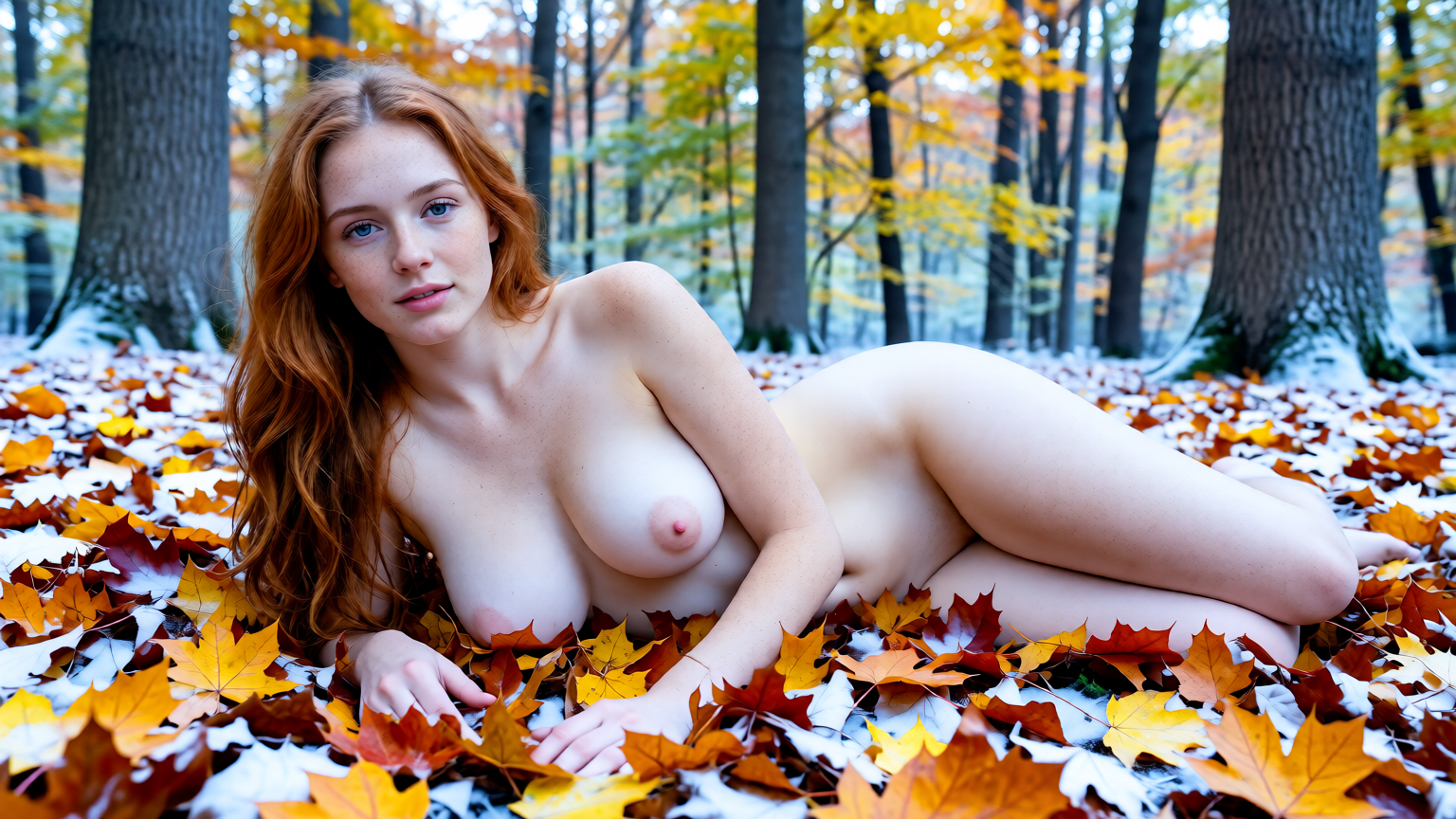
Edit with words instead of brushes
Sometimes an image is almost perfect: the pose is right but the outfit is wrong, or you love the person but want a different room. Regenerating from scratch loses what you liked. An edit model starts from your image and changes only what you ask for, so you keep the composition and fix the rest.
You do not need any editing skills. Choose the image, write the change as an instruction, such as "change the dress to red latex", "move her to a rooftop at night" or "make it look like a film photo", and generate. Edit models understand these instructions directly. You can chain edits too: take the result and edit it again.
The Studio offers several edit models with different strengths: some are best at small, precise changes, others at restyling the whole picture. Each shows its token cost before you start, and the edited image is saved as a new item in your library, so the original is never overwritten.
Editing is also the fastest way to build a set. Start from one image you like and make variations of it: the same person in three outfits, the same pose in a bedroom, on a beach and in a hotel suite, or the same scene as a photo, an anime frame and a painting. Each version keeps the parts you approved, so the set looks like it belongs together instead of like ten unrelated generations.
For quick, common changes you do not even need to write the instruction. Open one of your images and use an action such as Restyle, Change outfit or Change setting; you only fill in what the new version should be.
-
Keep what works
The pose, the person and the framing stay; only the part you describe changes.
-
Plain-language instructions
Write the change as you would say it. No masks, layers or sliders needed.
-
Originals are never overwritten
Every edit is a new item, linked to its source, so you can always go back.
-
Seconds, not minutes
Edits render as fast as new images, so trying three variations takes a minute.
How it works
-
1
Choose an image
Pick from your own generations or the gallery.
-
2
Describe the change
Write an instruction: what to change and, if it matters, what to keep.
-
3
Pick an edit model
Precise models for small changes, stronger ones for a full restyle. Costs are shown up front.
-
4
Generate and compare
The result arrives in seconds as a new item next to the original. Edit it again or publish it.
The models and what they cost
Live prices from the Studio. Each generation costs the tokens shown, nothing more.
| Model | Type | Tokens per generation |
|---|---|---|
| Qwen Image Edit Spicy Recommended | Image edit | 16 |
| Seedream V5 Pro Edit Recommended | Image edit | 60 |
| Seedream 5.5 Edit | Image edit | 31 |
| Seedream V5 Lite Edit | Image edit | 14 |
| Seedream V4 Edit | Image edit | 12 |
| Wan 2.6 Image (edit) | Image edit | 12 |
| Wan 2.7 Edit | Image edit | 12 |
| Qwen-Image Edit | Image edit | 24 |
Showing 8 of 10 models — all models are in the Studio.
Tips for AI image editing
- Say what to keep as well as what to change: "keep her face and pose" stops the model from reinventing the person.
- Make one change per edit. Two or three small edits in a row give cleaner results than one long instruction.
- For a new background, name the place and the light so the subject is relit to match.
- Style changes ("oil painting", "anime", "film photo") work on the whole picture; for local changes name the exact item.
- If an edit goes too far, try a more precise model or shorten the instruction.
- Start from a sharp, well-lit source. An edit model can change a lot, but it cannot invent detail that a blurry or very dark image never had, and the result inherits the framing of the original.
Example prompts & results
Open any prompt in the Studio, change it and make it your own.
“Beautiful Black adult woman in her early 30s with natural afro hair, nude, standing in golden hour light by a window, glowing skin, photorealistic, Change the light to neon pink and blue club lights”
“Adult woman in her early 30s wearing only black lace stockings, nude otherwise, lying on a luxury hotel bed, legs apart, cinematic, explicit, photorealistic, Change the setting to a sunny beach, keep her, her stockings a...”
“Japanese adult woman in her early 30s with a sleek black bob, open kimono, nude underneath, in a minimalist tatami room, soft lantern light, photorealistic, Turn this into an anime illustration, keep the pose”
“Adult redhead woman in her early 30s with freckles, nude, lying in autumn leaves in a forest, soft diffused light, photorealistic, Make it winter: fresh snow covers the ground and the leaves around her, keep her and her...”
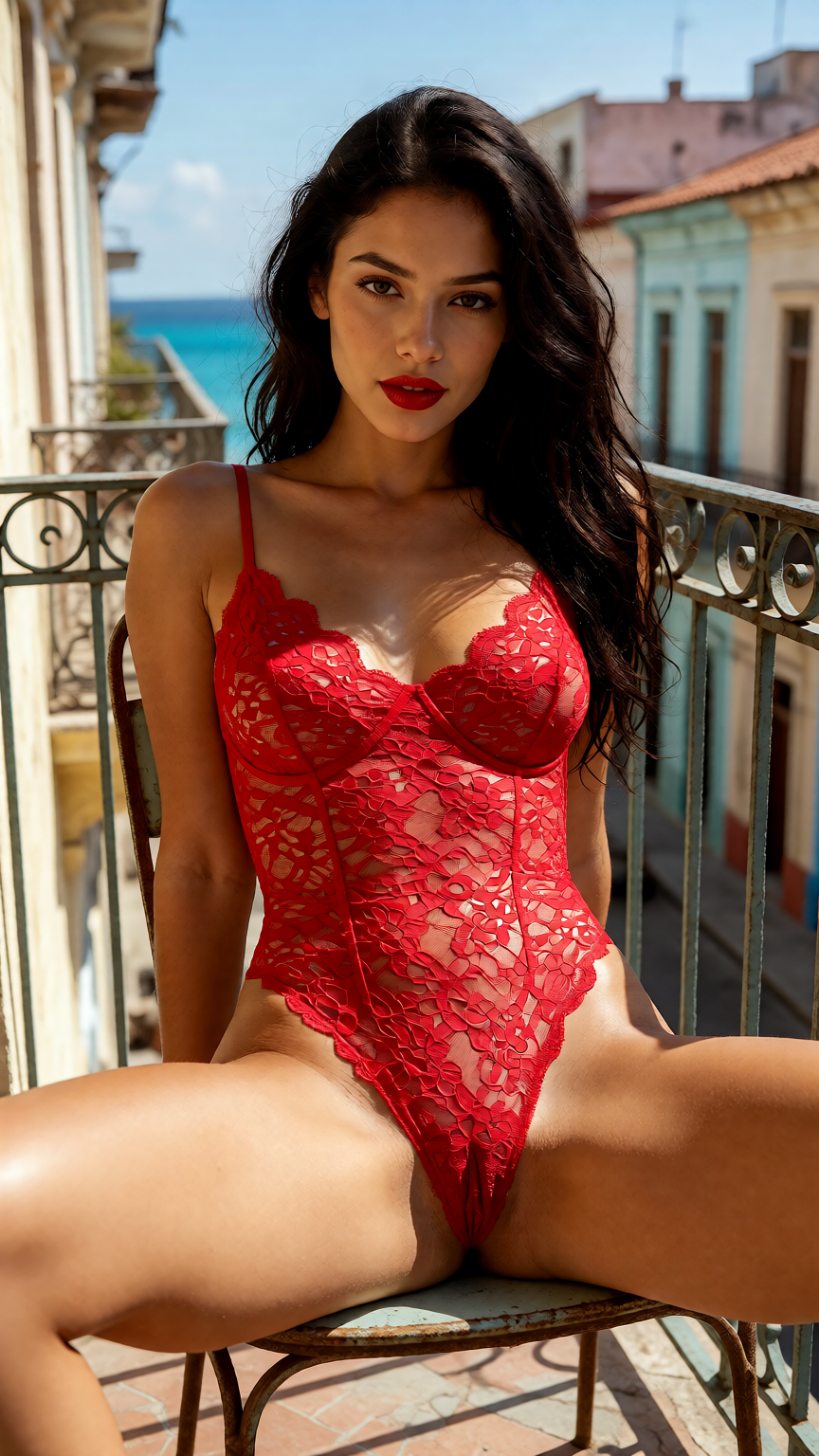
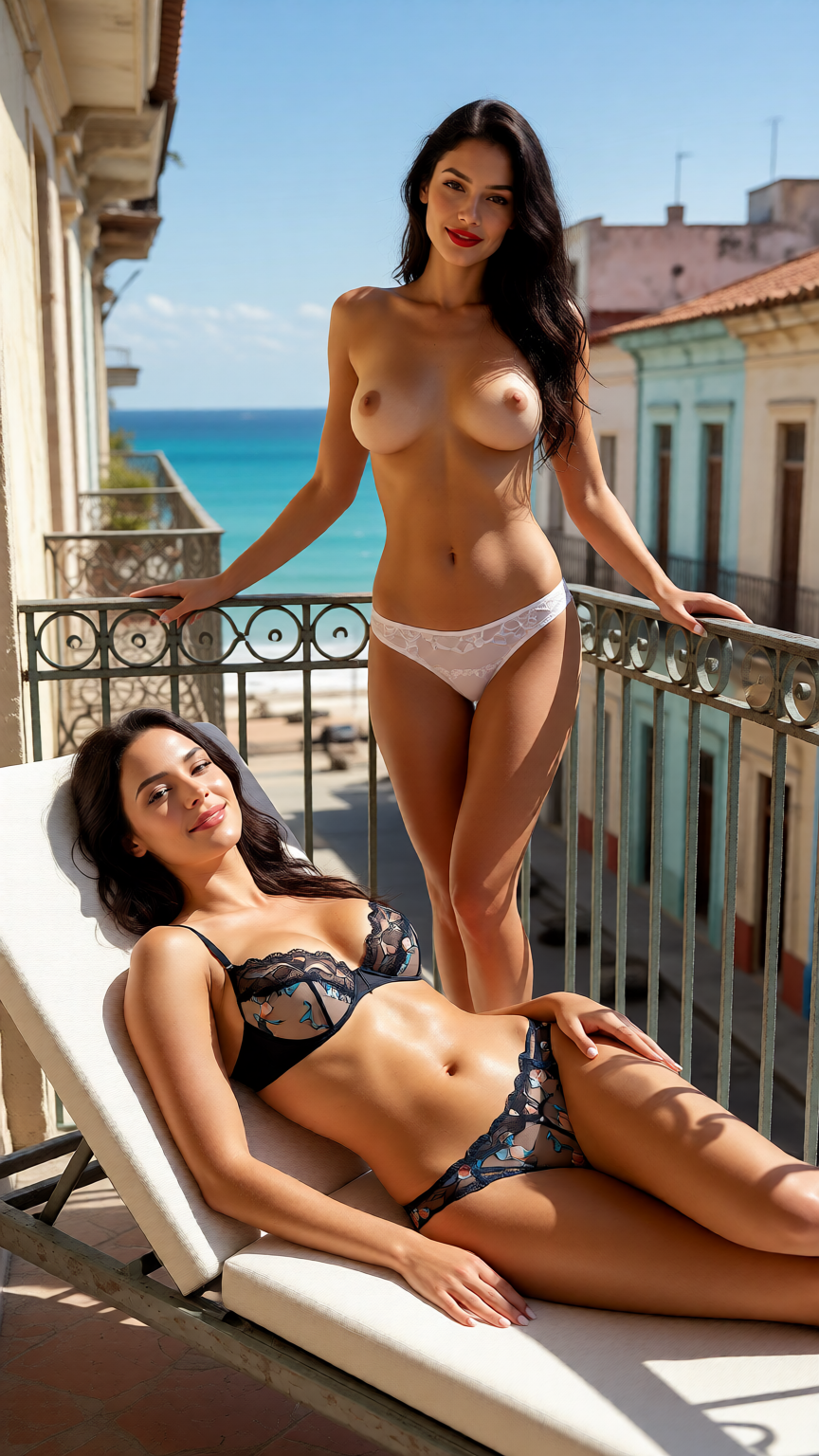
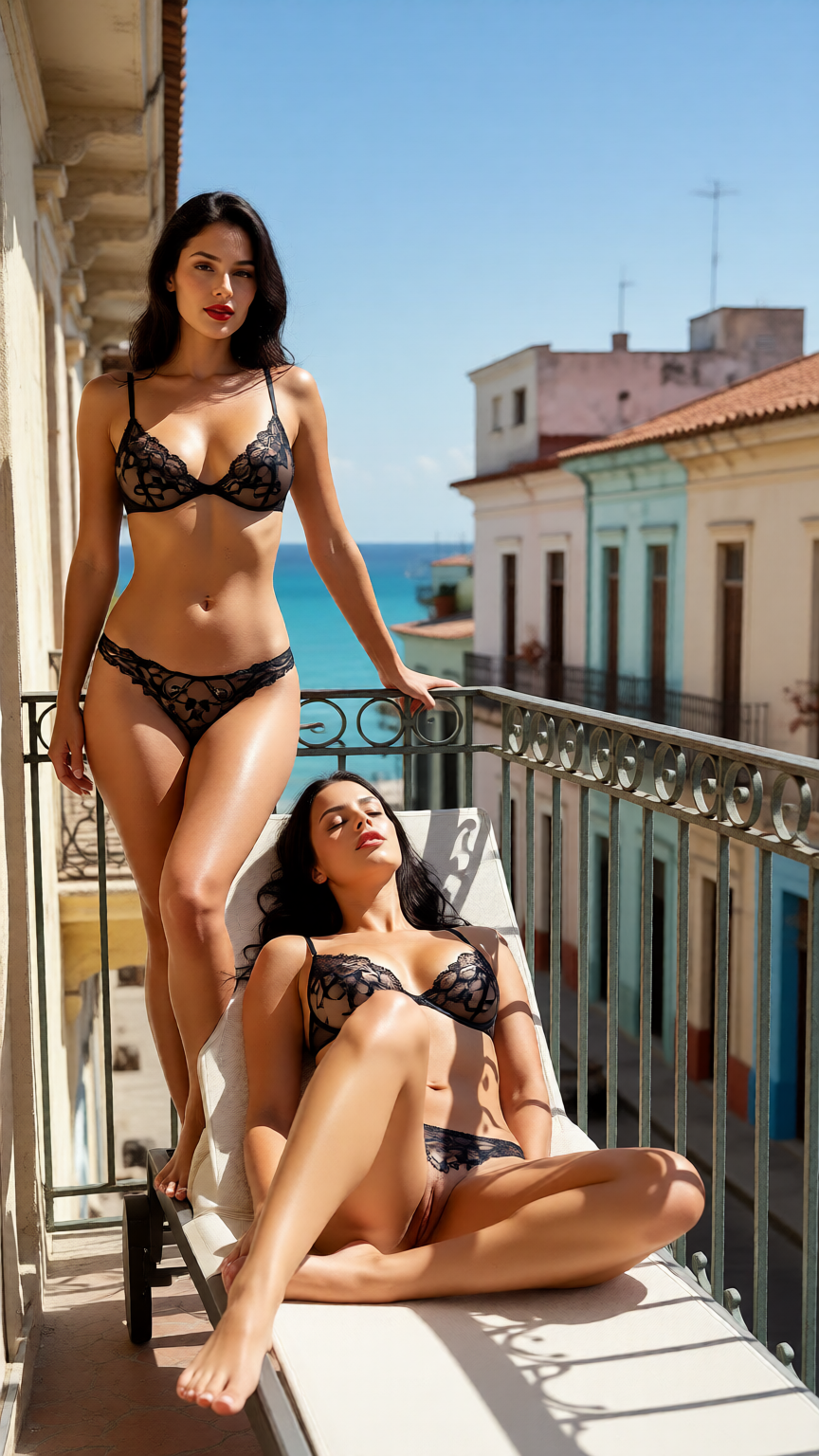
“Latina adult woman in her early 30s with long dark wavy hair and red lipstick, fully nude, legs apart on a balcony chair in sunlit Havana, explicit, photorealistic, Change her outfit to a red lace bodysuit”
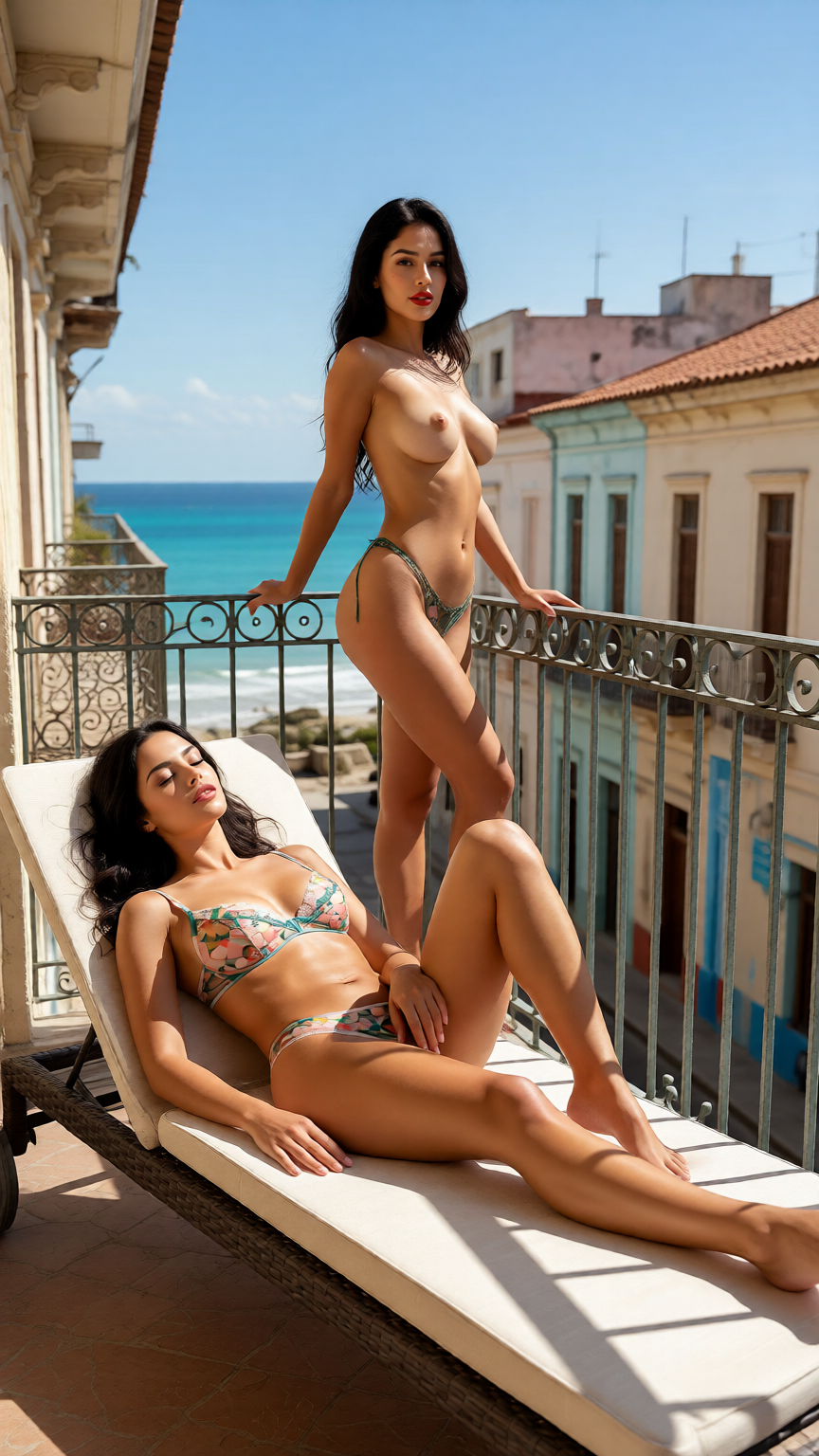
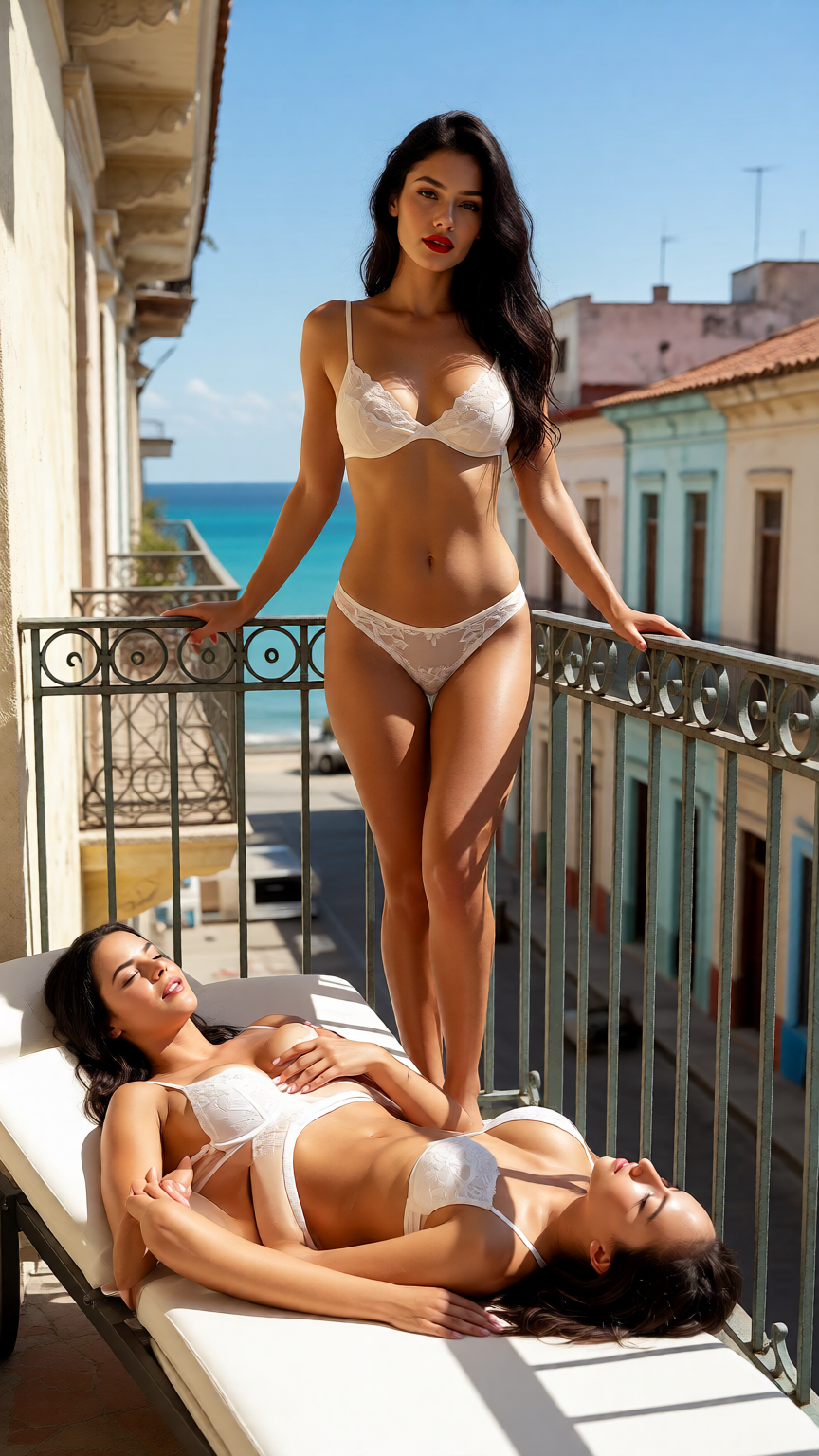
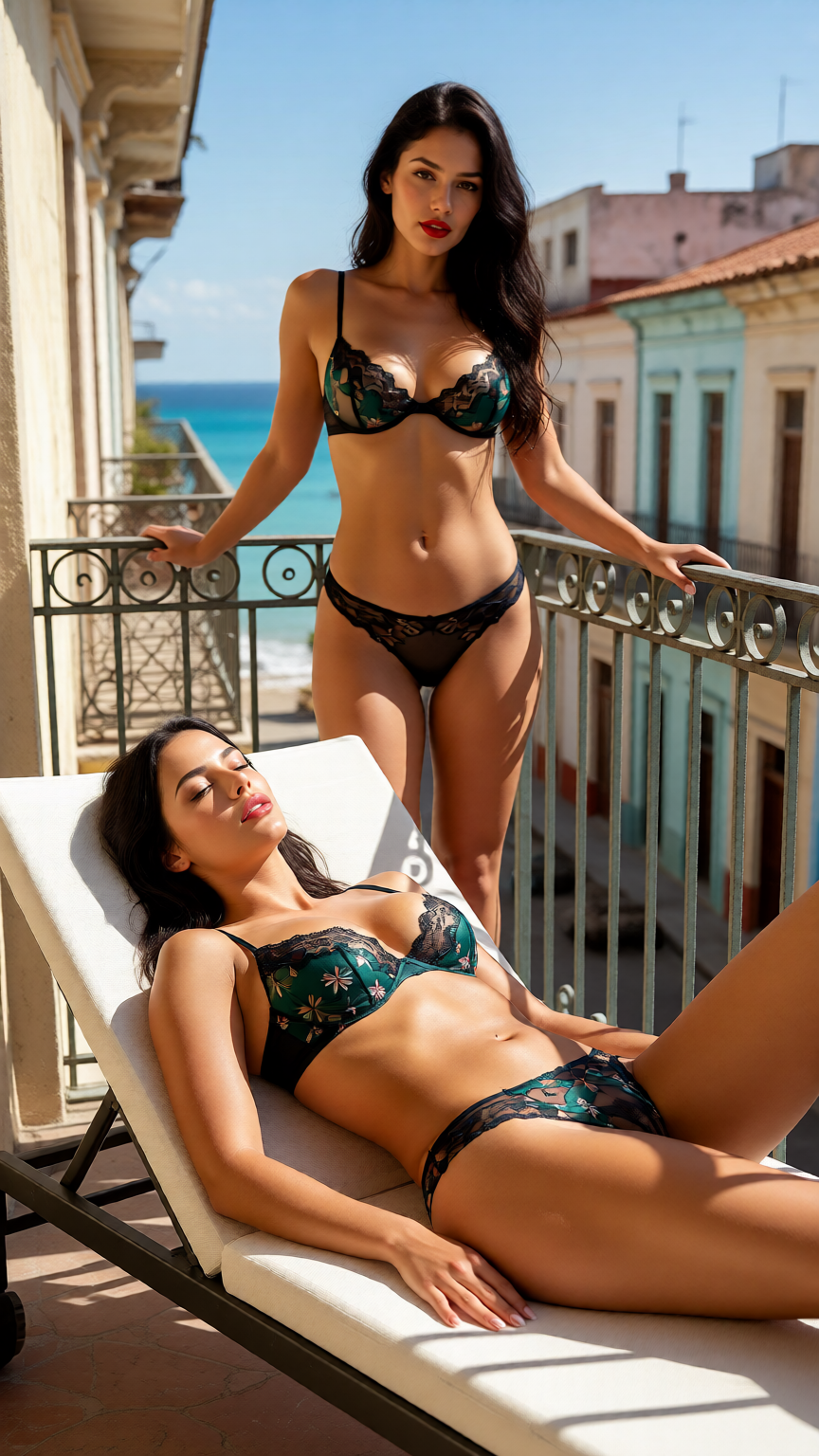
“Lingerie photo shoot on a sunlit balcony: standing, sitting on the railing, lying on a lounge chair., Reclining on a lounge chair in a tasteful lingerie set, wide balcony view”
More prompts to try
From the community
See more →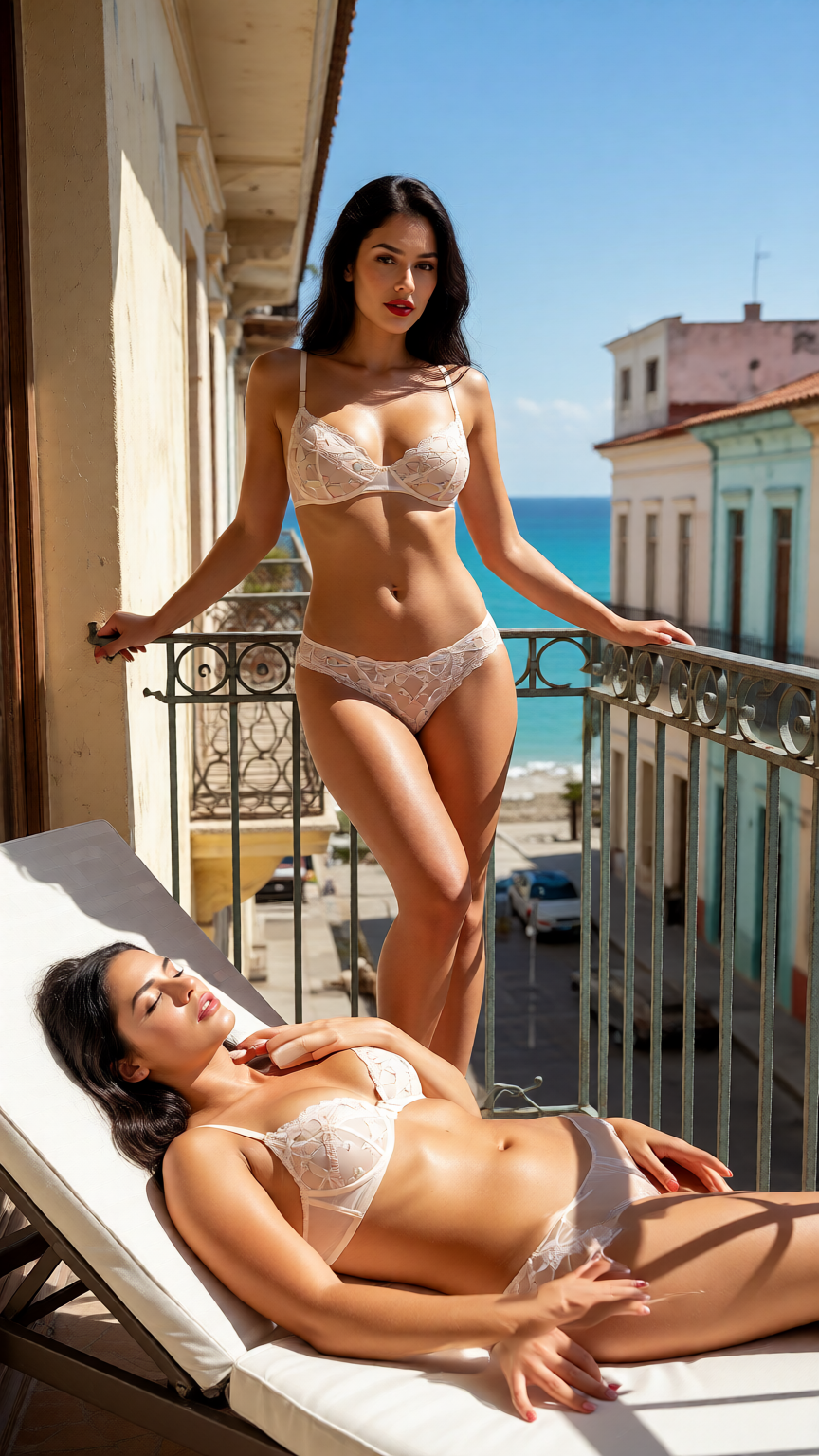
Simple, pay-as-you-go pricing
- 50 free tokens when you confirm your email.
- Token packs from $20.00 for 2,100 tokens, paid in crypto. No subscription.
- Images from 5 tokens, videos from 85 tokens, depending on the model.
- Purchased tokens never expire. Free tokens (signup, daily, bonus) may be changed or withdrawn, see the Terms. A failed generation returns its tokens automatically; purchases are refunded only as set out in our Terms.
Frequently asked questions
What can the AI image editor do?
It changes an existing image according to your instruction: swap outfits, change the setting or lighting, add or remove items, or restyle the whole picture, while keeping the rest.
Can I edit images I already generated?
Yes. Pick any of your generations as the source in the Studio, or open one and use an action such as Restyle, Change outfit or Change setting.
Does editing overwrite my original?
No. Every edit is saved as a new item linked to its source, so the original stays in your library.
How fast is it?
Edits usually take a few seconds, about the same as generating a new image.
How much does an edit cost?
Edits cost from 12 tokens, depending on the model; each edit model has a fixed token cost, listed on this page and in the Studio. New accounts get 50 free tokens when they confirm their email. A failed edit is refunded to your balance automatically.
Can I turn an edited image into a video?
Yes. An edited image is a normal item in your library, so you can edit it again or animate it with Image→Video.
Why did the edit change more than I asked?
Edit models sometimes reinterpret the whole picture. Add what to keep ("keep her face, pose and lighting"), make one change at a time, or try a more precise edit model.
Is editing photos of real people allowed?
No. Editing images of real, identifiable people is prohibited, and all output is AI-generated.
Fix the one thing you would change
Pick an image, describe the change, and see the result in seconds. Sign up free and get 50 tokens when you confirm your email.
18+ only. All content is AI-generated; prompts involving anyone under 18 or who appears to be under 18, real identifiable people, non-consent and sexual violence, incest, bestiality or anything illegal are blocked.