NSFW Image to Video Generator
Animate your favorite AI image into an explicit clip
Pick one of your AI images and our NSFW image-to-video generator animates it into a 5-second explicit clip, keeping the face, body and setting you already chose. 100% AI-generated; no real people.
18+ only · 100% AI-generated · No real people · Clips in minutes
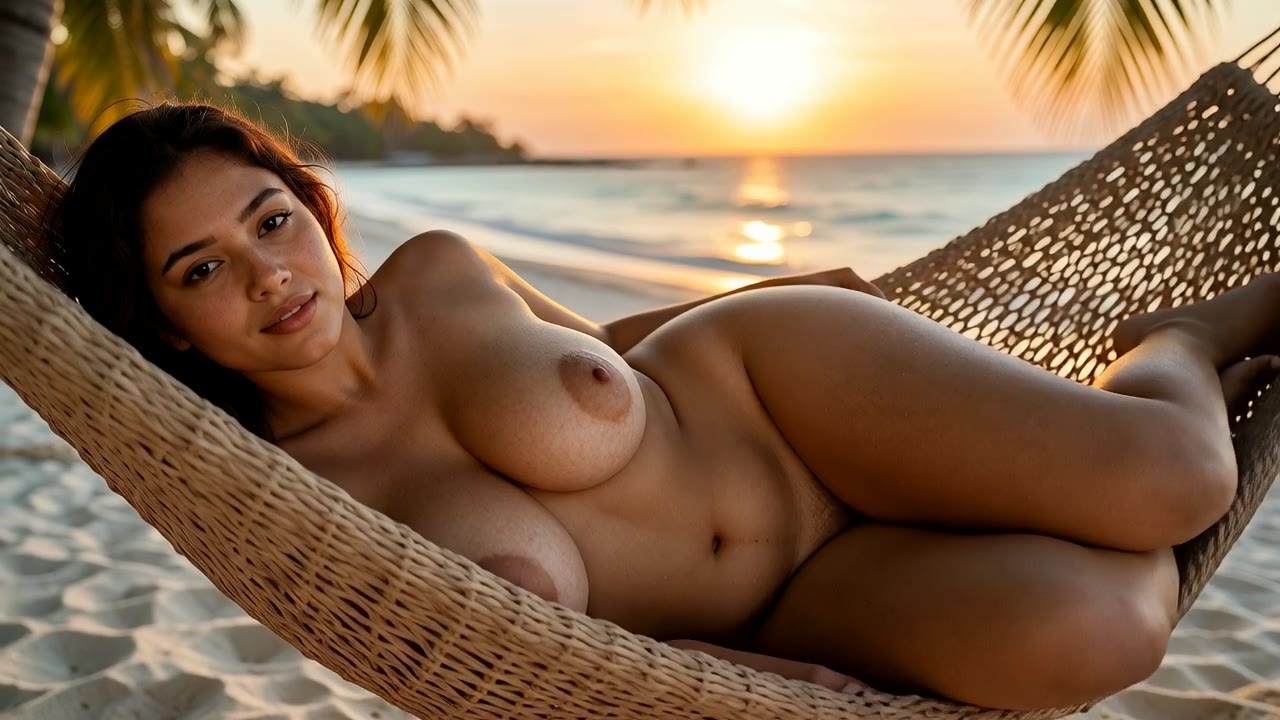
Made with x4vids: Curvy Latina adult woman in her 30s, nude, lying in a hammock on a tropical beach, sunset,...
From still to motion
Real pairs from the gallery: the start image on the left, the clip it became on the right.
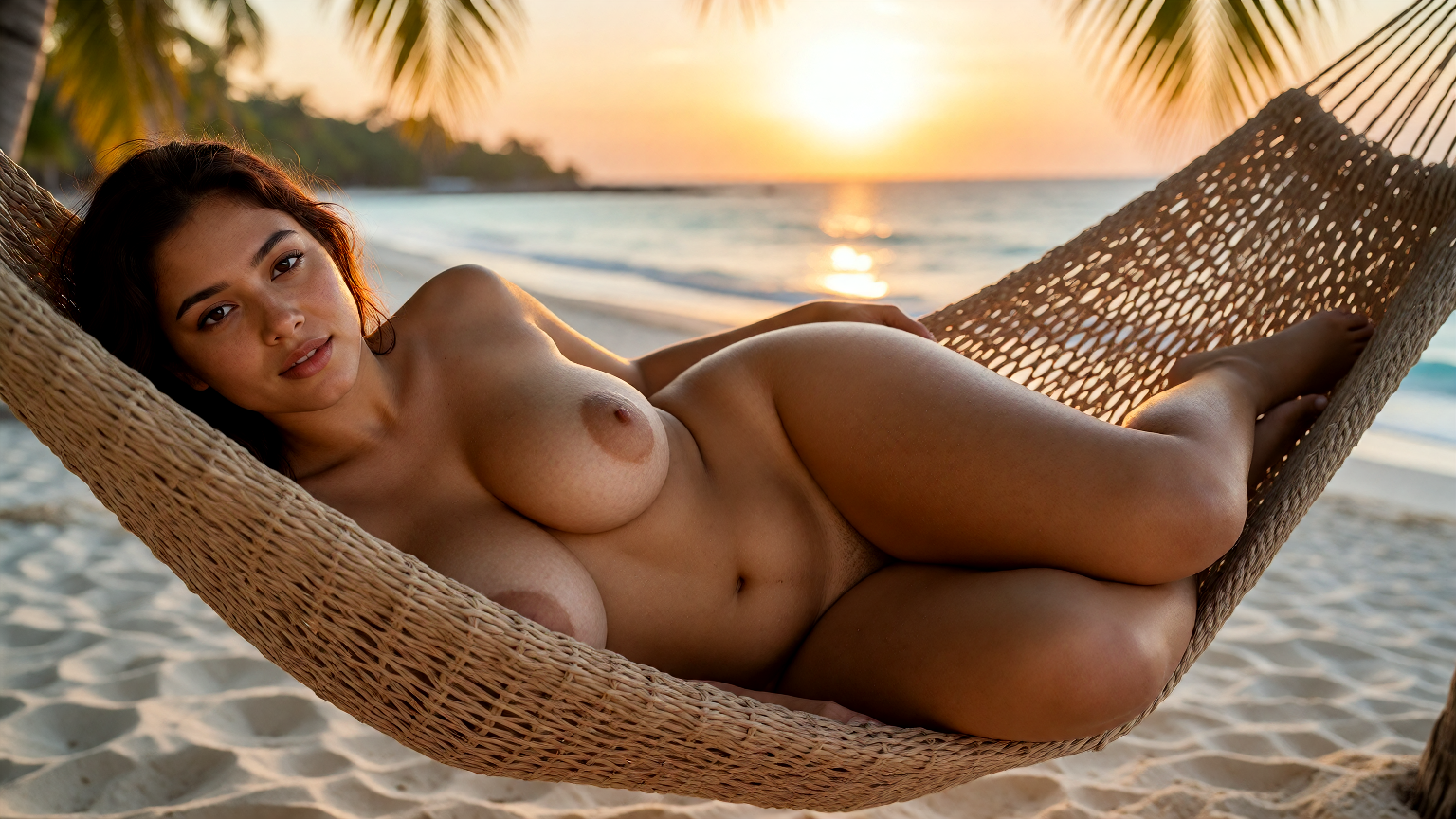
“Curvy Latina adult woman in her 30s, nude, lying in a hammock on a tropical beach, sunset, photorealistic, subtle natural motion, she breathes and moves slowly,...”
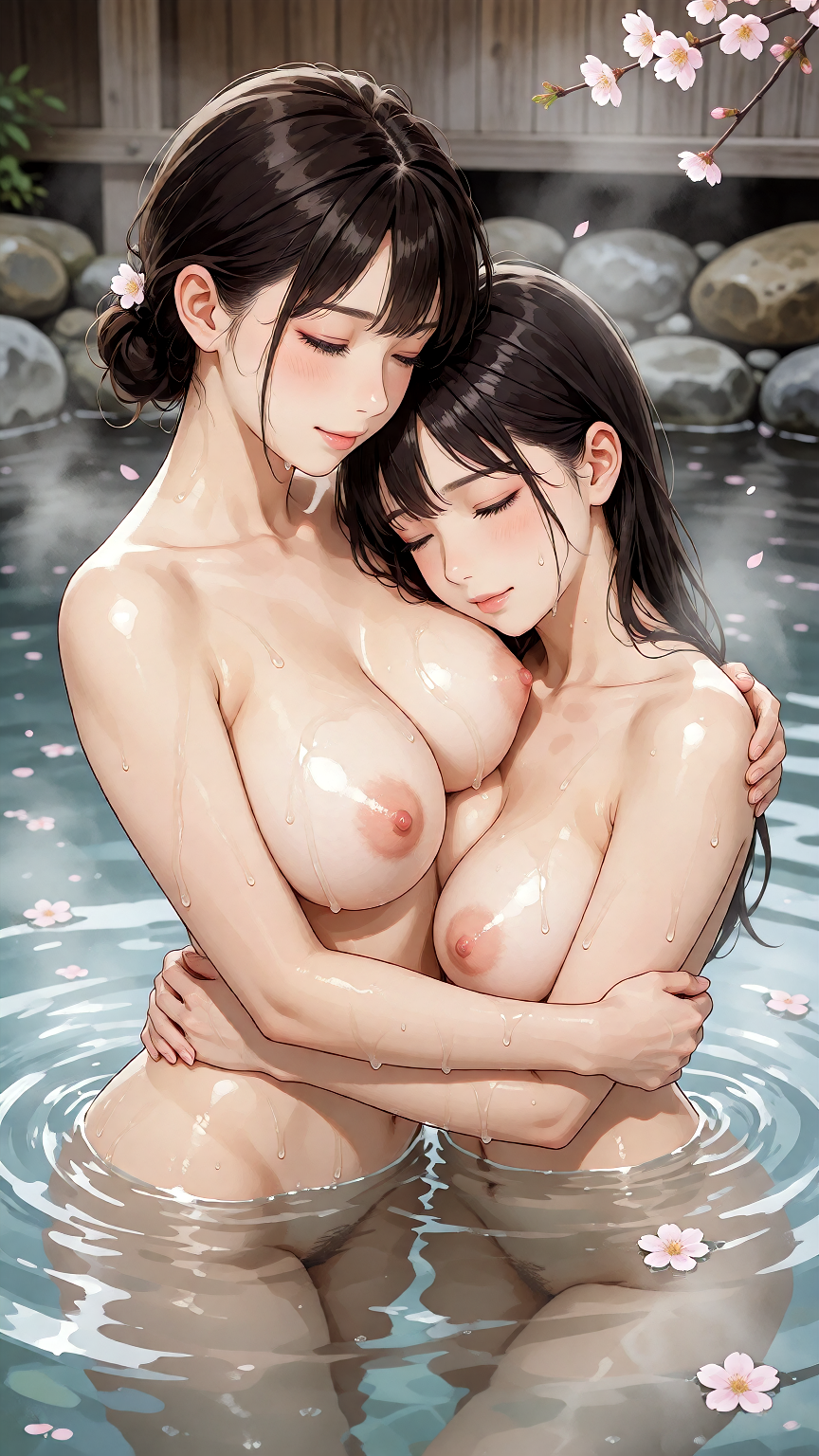
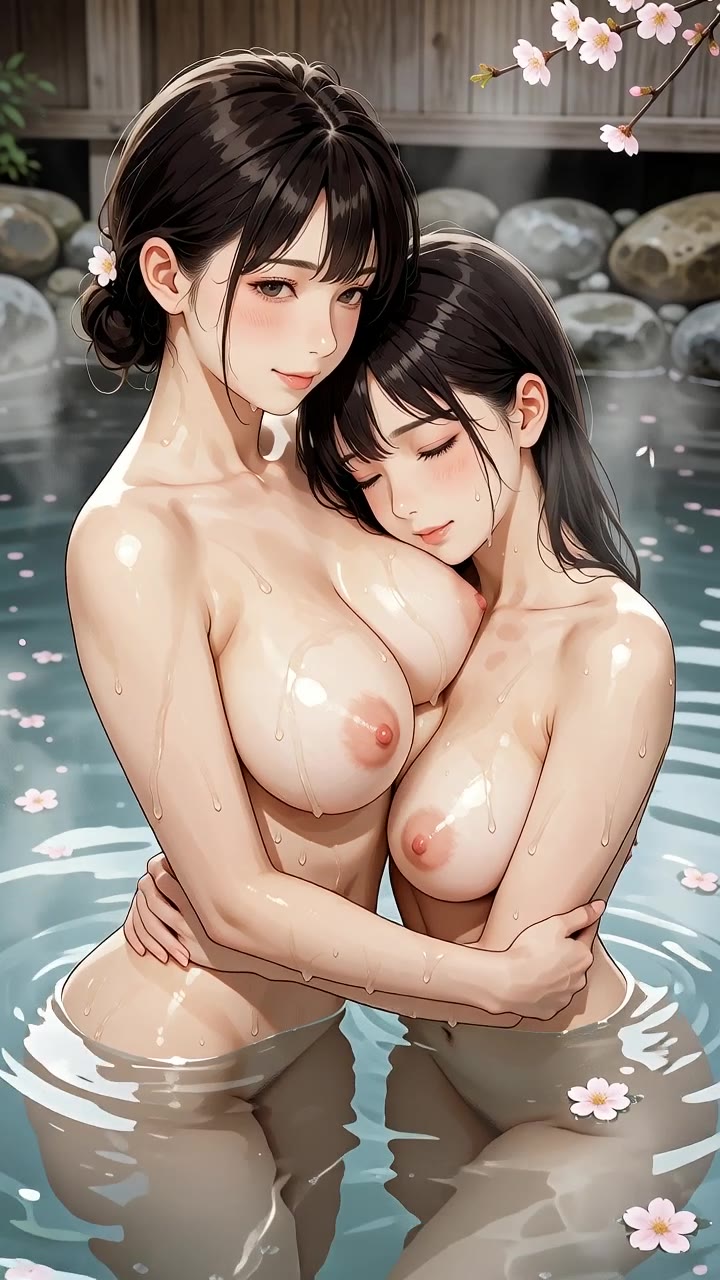
“Anime style, two adult women in their late 20s in a steamy onsen, nude, embracing, cherry blossoms, detailed lineart, subtle natural motion, she breathes and mo...”
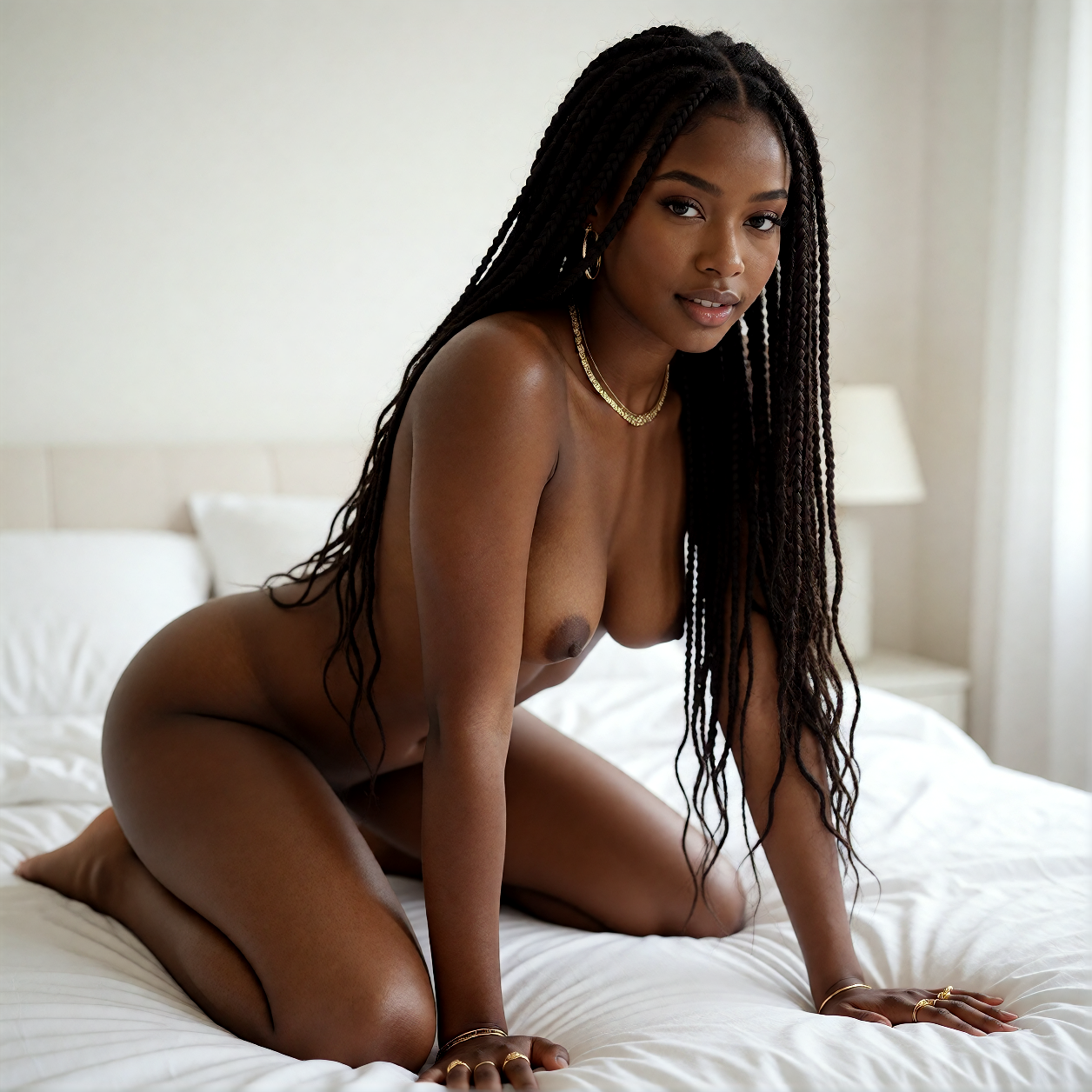
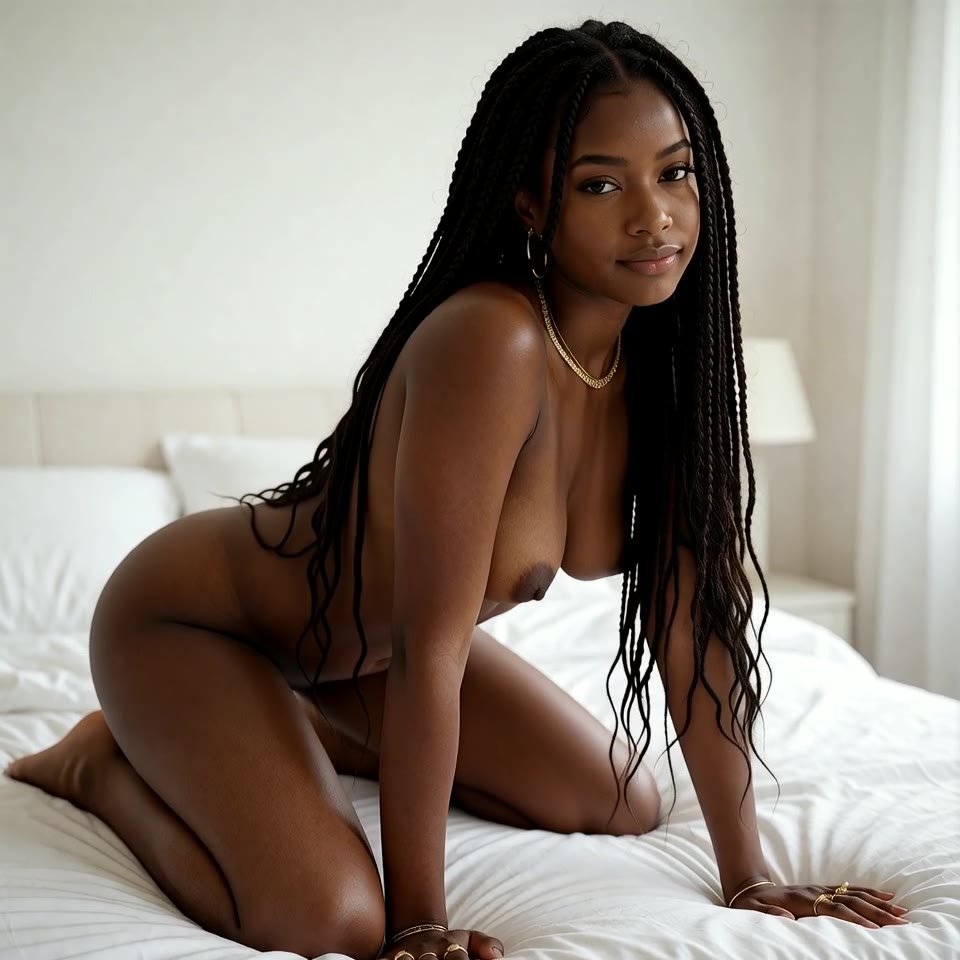
“Black adult woman in her late 20s with long braids, gold body jewelry and nothing else, kneeling on a bed with white sheets, photorealistic, subtle natural moti...”
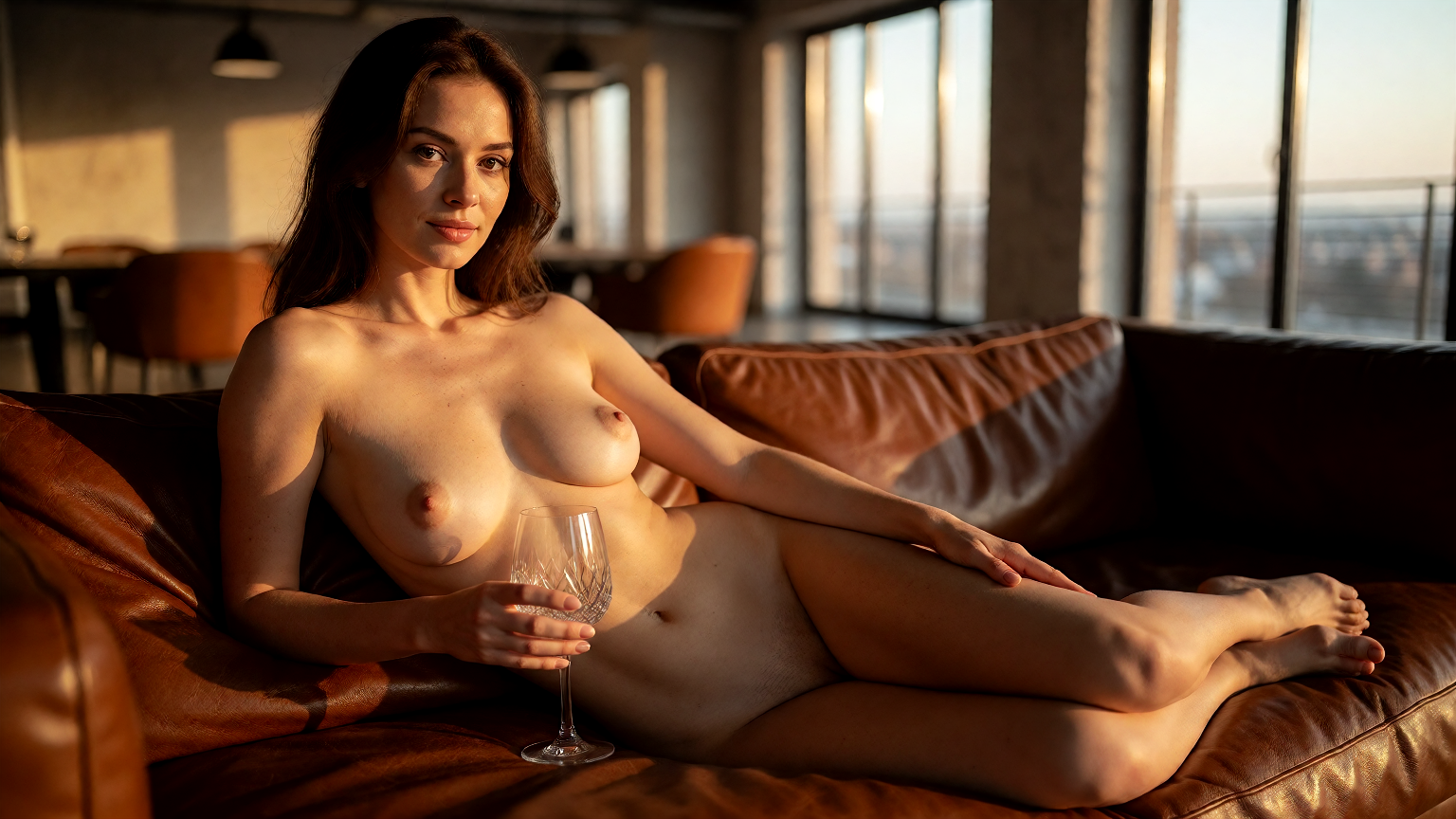
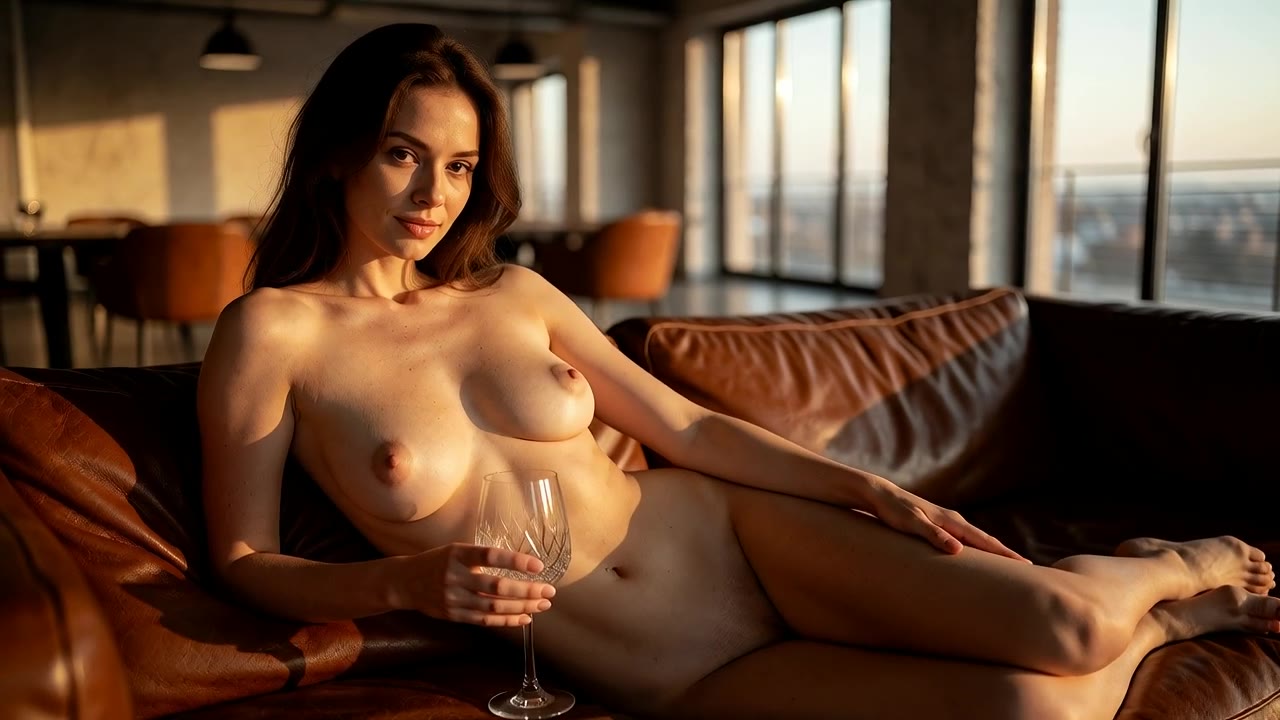
“Confident adult woman in her late 30s, nude, lying on a leather sofa in a modern loft, wine glass in hand, warm evening light, photorealistic, subtle natural mo...”
Motion prompts & results
The start image already sets the look, so these prompts only describe the movement.
“Curvy Latina adult woman in her 30s, nude, lying in a hammock on a tropical beach, sunset, photorealistic, subtle natural motion, she breathes and moves slowly, camera slowly pushes in”
“Anime style, two adult women in their late 20s in a steamy onsen, nude, embracing, cherry blossoms, detailed lineart, subtle natural motion, she breathes and moves slowly, camera slowly pushes in”
“Black adult woman in her late 20s with long braids, gold body jewelry and nothing else, kneeling on a bed with white sheets, photorealistic, subtle natural motion, she breathes and moves slowly, camera slowly pushes in”
“Confident adult woman in her late 30s, nude, lying on a leather sofa in a modern loft, wine glass in hand, warm evening light, photorealistic, subtle natural motion, she breathes and moves slowly, camera slowly pushes in”
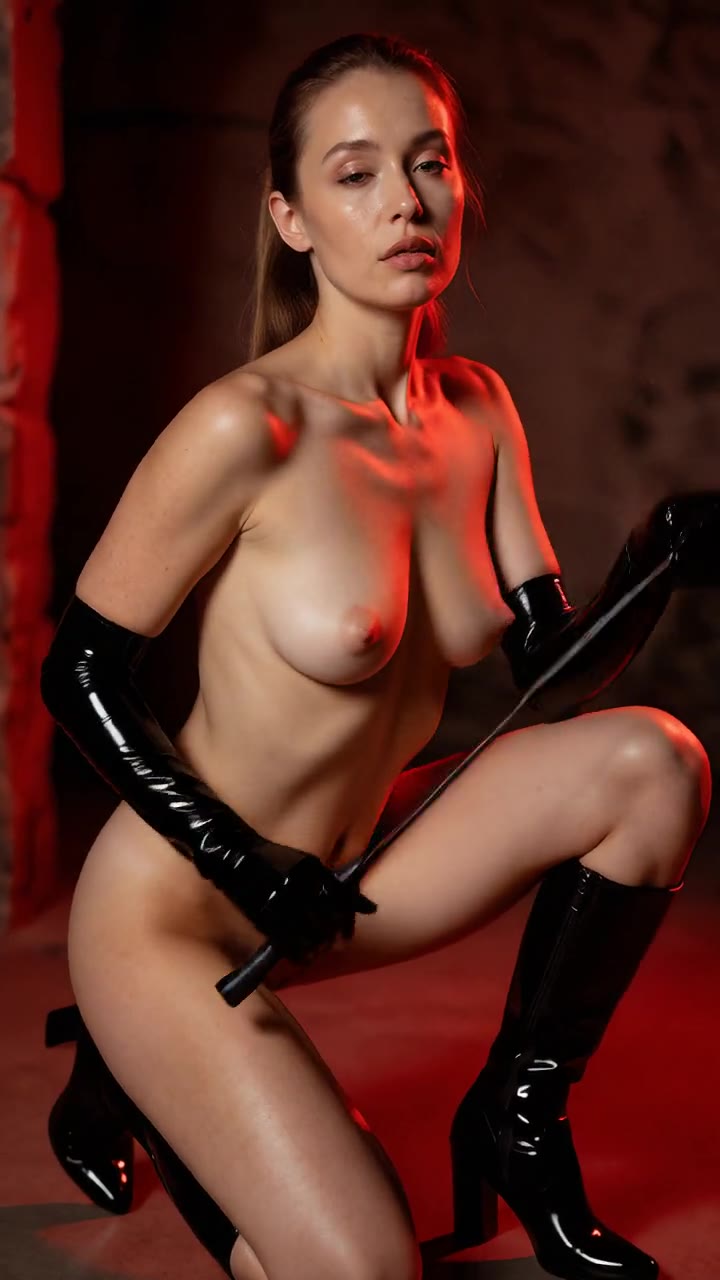
“Adult woman in her early 30s wearing only glossy black latex gloves and boots, nude otherwise, kneeling with a riding crop, red dungeon lighting, explicit, photorealistic, subtle natural motion, she breathes and moves sl...”
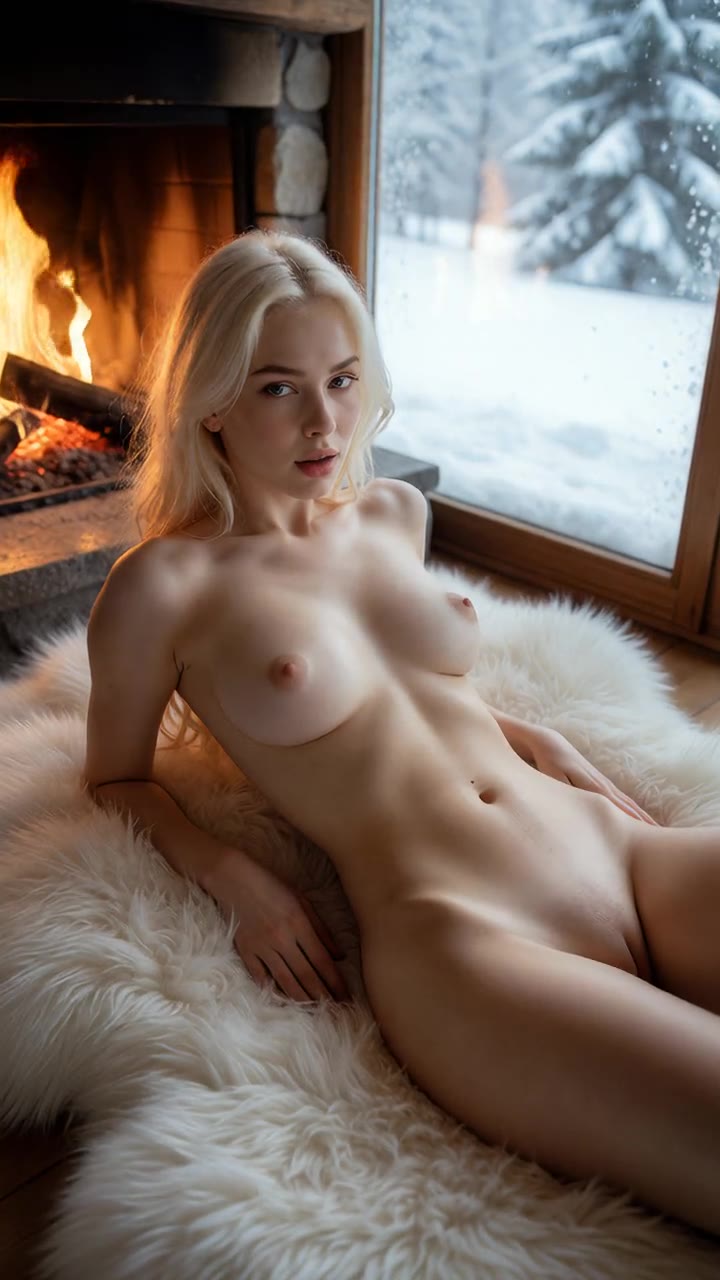
“Platinum blonde adult woman in her late 20s, fully nude, lying on a white fur rug by a chalet fireplace, snowy window behind, explicit, photorealistic, subtle natural motion, she breathes and moves slowly, camera slowly...”
More prompts to try
How it works
-
1
Pick a start image
Choose one of your own AI generations as the first frame, or press Animate on any of your images.
-
2
Describe the motion only
The image already defines the look, so the prompt only needs the movement and the camera.
-
3
Choose an image-to-video model
Some support an end frame or audio; the Studio shows the options each model offers.
-
4
Generate
Your clip renders in a few minutes in the background, then download it or publish it.
Why start a video from an image
Text-to-video invents a new person and a new room every time you run it. That is fine for exploring, but frustrating once you have found a look you love. Image-to-video solves it: the image you pick becomes the first frame, so the model keeps the person, the outfit, the lighting and the composition, and only adds the movement you describe.
The usual workflow is simple. Generate a handful of images until one is exactly right, then open it and choose Animate, or start Image→Video in the Studio and pick it from your library. Write a short motion prompt, such as "she turns her head and smiles, hair moving in the breeze", choose a model and generate. A few minutes later you have a clip that matches your still.
Some image-to-video models accept an end frame as well as a start frame. Give both and the model fills in the motion between them, which is the most controlled way to get a specific movement. Each model shows its token cost before you start, and the Studio only shows the inputs a model supports.
Because the look is already fixed, the motion prompt can be short. You do not need to describe her hair color or the room again; describe what changes over the clip and how the camera behaves. That makes image-to-video the easiest way to get a consistent character across many clips: keep one strong portrait and animate it with a different movement each time, or make a short series of stills and animate each one.
-
The look stays yours
The start frame fixes the face, body and setting, so the clip matches the image you already approved.
-
Start and end frames
Some models take an end image too, for precise control over where the motion goes.
-
One click from your library
Open any of your images and choose Animate, or pick it as the start frame in the Studio.
-
Same safety rules
Images of real, identifiable people cannot be animated, and every output is 100% AI-generated.
The models and what they cost
Live prices from the Studio. Each generation costs the tokens shown, nothing more.
| Model | Type | Tokens per clip |
|---|---|---|
| Wan 2.2 Spicy Recommended | Image→Video | 85 |
| Wan 2.7 Spicy Premium Recommended | Image→Video | 260 |
| Wan 3.0 Video (from image) Recommended | Image→Video | 200 |
| Wan 3.0 Video Prime (from image) | Image→Video | 280 |
| Wan 3.0 Video Pro (from image) | Image→Video | 360 |
| MiniMax H3 | Image→Video | 120 |
Tips for animating images
- Pick a start image with a clear subject and some space around them; tight crops leave the model no room to move.
- Do not re-describe the outfit or the room. Repeating the look can make the model drift away from your image.
- Match the motion to the pose: a standing figure can turn or walk, a reclining one can stretch or roll over.
- Use an end frame when you want a specific final pose; use start-only when you want the model to improvise.
- Portrait images make portrait clips. Choose the aspect of the start image with the final clip in mind.
- If the first clip is close, run the same image again with a slightly different motion prompt rather than starting over.
From the community
See more →
Simple, pay-as-you-go pricing
- 50 free tokens when you confirm your email.
- Token packs from $20.00 for 2,100 tokens, paid in crypto. No subscription.
- Images from 5 tokens, videos from 85 tokens, depending on the model.
- Purchased tokens never expire. Free tokens (signup, daily, bonus) may be changed or withdrawn, see the Terms. A failed generation returns its tokens automatically; purchases are refunded only as set out in our Terms.
Frequently asked questions
How do I convert an image to a video?
Open the Studio, choose Image→Video, pick a start frame (choose one of your generations), describe the motion and generate. Or open one of your images and press Animate.
Can I use a start and an end frame?
Yes. Some image-to-video models accept both a start and an end image for controlled motion. The Studio shows the end-frame input only on models that support it.
Will the person look the same as in my image?
That is the point of image-to-video: the first frame is your image, and good models keep the face and body consistent through the clip.
Why does the person drift during the clip?
Fast or complex motion can change the face slightly; slower movement and a sharp start image keep it consistent.
How much does it cost?
Image-to-video clips cost from 85 tokens, depending on the model; each model has a fixed token cost, listed on this page and in the Studio. New accounts get 50 free tokens when they confirm their email. If a clip fails, its tokens are returned automatically.
Can I animate a picture of a real person?
No. Animating real, identifiable people is prohibited, and the output is always 100% AI-generated. Start from one of your AI images.
What makes a good start image?
A sharp image with one clear subject, a simple background and a little space around the body. Busy scenes and tight crops give the model less to work with and more to get wrong.
Can I publish the clip next to the image?
Yes. The clip is saved as a new item linked to its start image. Publish one, both or neither; everything stays private until you choose to publish it.
Animate your best image
Make an image, press Animate, and watch it move. Sign up free and confirm your email to get 50 tokens.
18+ only. All content is AI-generated; prompts involving anyone under 18 or who appears to be under 18, real identifiable people, non-consent and sexual violence, incest, bestiality or anything illegal are blocked.