AI Porn Video Generator
Explicit AI video clips from a prompt, in minutes
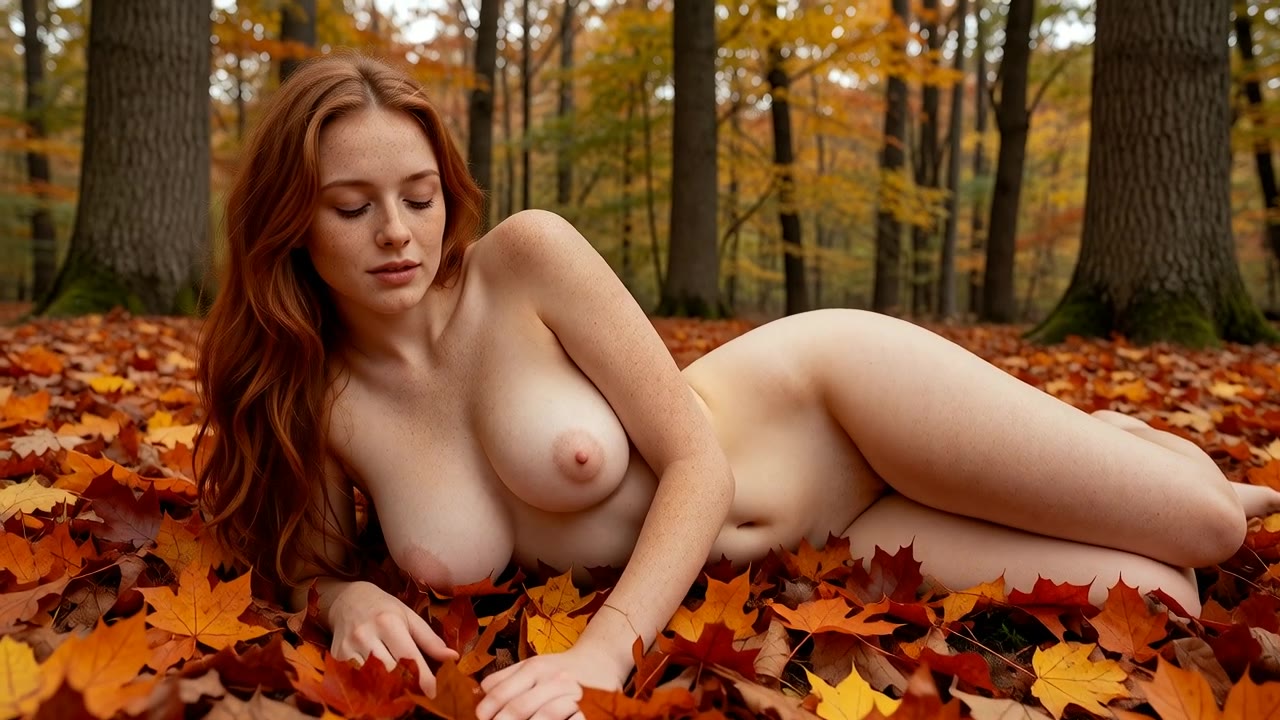
Made with x4vids: Adult redhead woman in her early 30s with freckles, nude, lying in autumn leaves in a forest, soft diffused light, photo...
Write the scene and our AI porn video generator animates it: bodies, camera movement and light. Choose from 13 adult video models, start from text or from one of your images, and get a 5-second clip in minutes. 100% AI-generated, no real people.
18+ only · 100% AI-generated · No real people · Clips render in the background
Two ways to start a clip
Text→Video
Best for: Trying ideas quickly
A prompt that describes the person, the action and the camera. The model invents the look.
Open Text→Video →Image→Video
Best for: A look you already like
One of your images as the first frame plus a short motion prompt. The person and room stay as designed.
Open Image→Video →Want a short story in a few scenes? The Story Video template turns one image into several clips joined into one video. See the templates →
Compare the video models
Live prices and defaults from the Studio. The price you see is the price of one clip.
| Model | Starts from | Clip | Tokens / clip | Clips with 50 free | Clips per $20.00 pack |
|---|---|---|---|---|---|
| Wan 2.2 Spicy Recommended | An image | 5s · 720p | 85 | Needs a pack | 24 |
| Wan 3.0 Video Recommended | Text | 5s · 720p | 200 | Needs a pack | 10 |
| Wan 2.7 Spicy Premium Recommended | An image | 5s · 720p | 260 | Needs a pack | 8 |
| Wan 3.0 Video (from image) Recommended | An image | 5s · 720p | 200 | Needs a pack | 10 |
| Wan 3.0 Video Prime | Text | 5s · 720p | 280 | Needs a pack | 7 |
| Wan 3.0 Video Pro | Text | 5s · 1080p | 360 | Needs a pack | 5 |
| MiniMax H3 | Text | 5s · 768P | 120 | Needs a pack | 17 |
| Wan 3.0 Video Prime (from image) | An image | 5s · 720p | 280 | Needs a pack | 7 |
Showing 8 of 10 models — all models are in the Studio.
Example prompts & results
Open any prompt in the Studio, change it and make it your own.
“Adult redhead woman in her early 30s with freckles, nude, lying in autumn leaves in a forest, soft diffused light, photorealistic, subtle natural motion, she breathes and moves slowly, camera slowly pushes in”
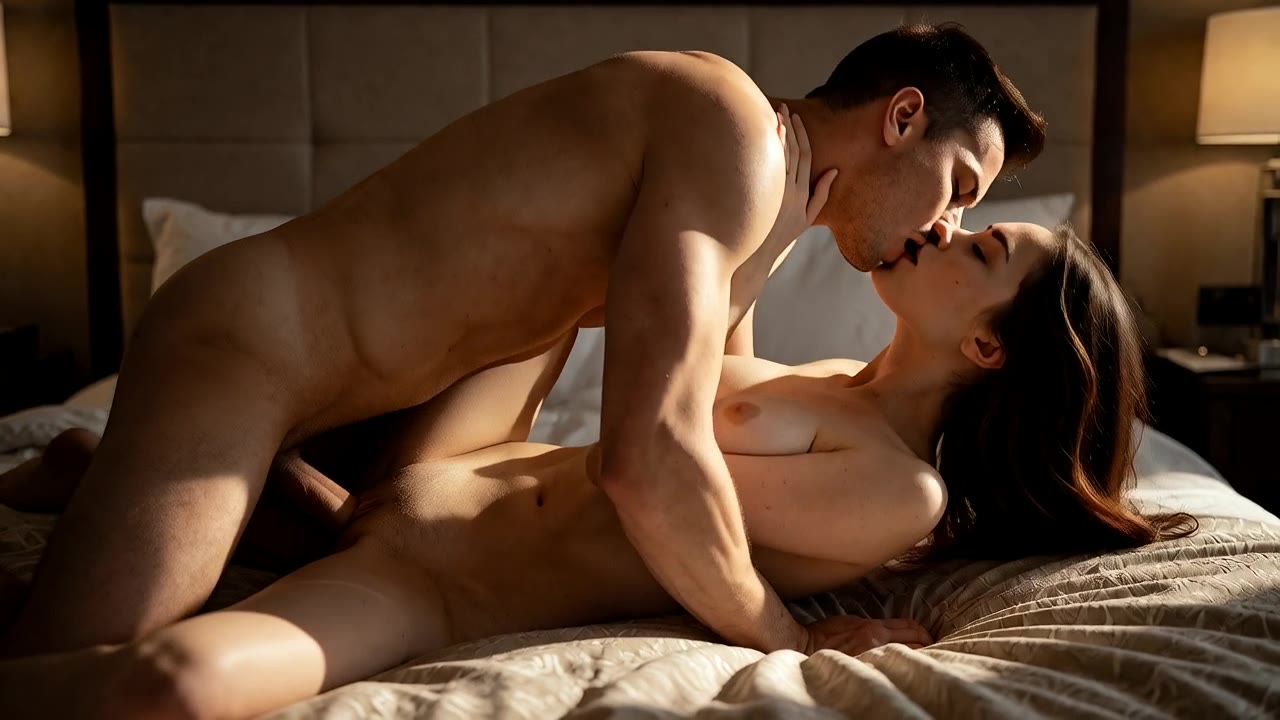
“Adult couple in their 30s having passionate sex on a hotel bed, explicit, dramatic side light, photorealistic, the couple has sex with slow rhythmic thrusting, explicit”
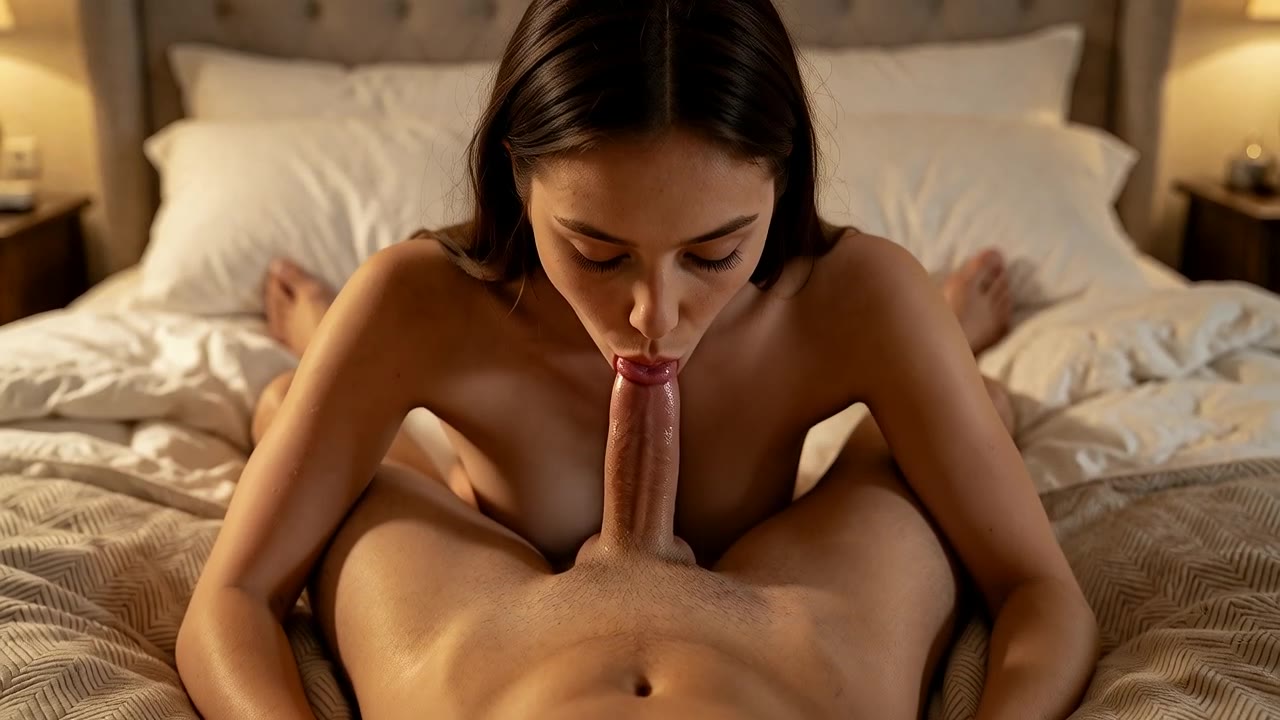
“Adult woman in her early 30s giving oral sex to an adult man in his 30s, POV, on a bed, intimate warm light, explicit, photorealistic, she performs oral sex with a slow rhythmic head motion, explicit”
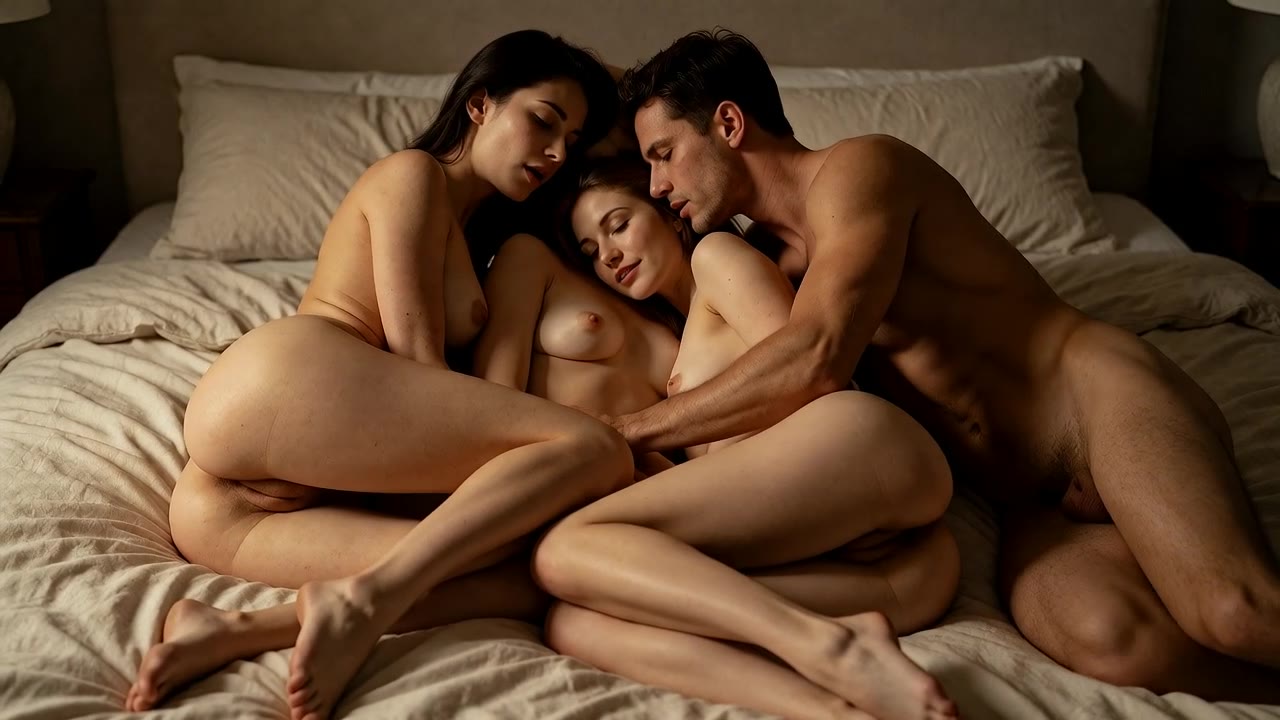
“Three adults in their 30s, two women and one man, nude and intertwined on a large bed, warm moody light, explicit, photorealistic, the three adults move together in explicit sex, slow rhythmic motion”
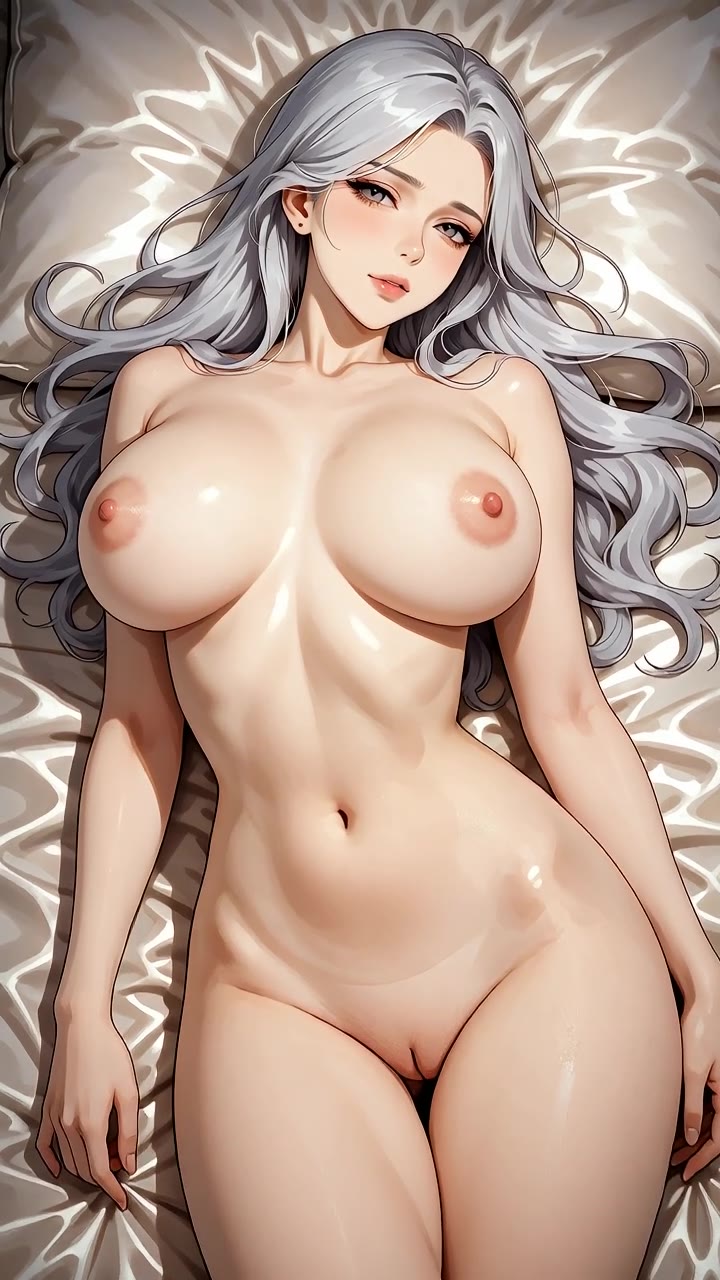
“Anime style, curvy adult woman in her late 20s with long silver hair, nude on silk sheets, seductive look, detailed lineart, soft cel shading, subtle natural motion, she breathes and moves slowly, camera slowly pushes in”
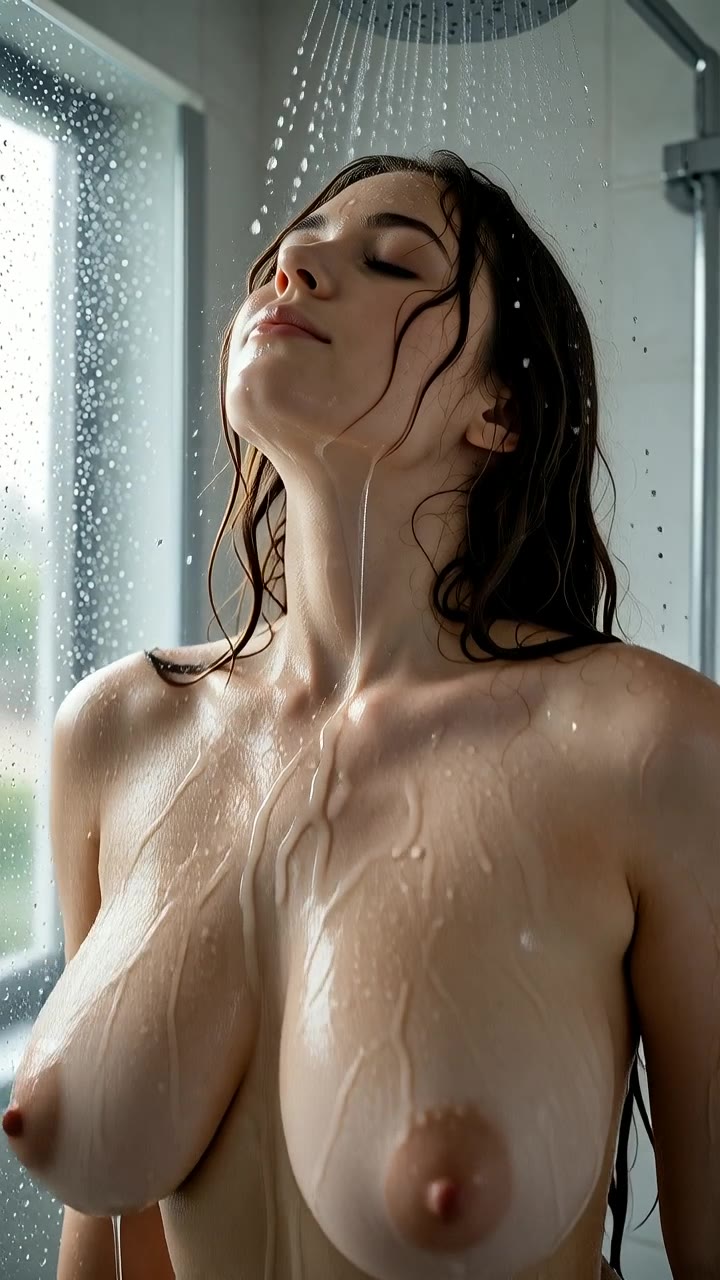
“Curvy adult woman in her early 30s with large natural breasts, fully nude, wet hair and skin, in a glass rain shower, explicit, photorealistic, subtle natural motion, she breathes and moves slowly, camera slowly pushes i...”
More prompts to try
Generate explicit video, not just stills
A video model does more than an image model: it has to keep a body consistent from frame to frame, move it believably and keep the scene lit the same way throughout. The video models in the Studio are chosen because they handle adult content and motion well. You describe what happens in the clip, and the model renders a short, smooth sequence.
You can start in two ways. Text→Video builds the whole clip from your prompt, which is the quickest way to try an idea. Image→Video starts from a still you already like, so the person and setting stay exactly as you designed them and the model only adds the motion. Many creators make a few images first, pick the best one and then animate it.
Video takes longer than images and costs more tokens, because the model renders every frame. Generation runs in the background: you can keep browsing while the clip renders, and it appears in your Studio and library when it is ready. Each model shows its cost before you start, and every clip is 5 seconds long.
Good AI porn video comes from good direction. Think like a camera operator: where the camera is, how it moves, what the light is doing and what the one main action in the shot is. A clip that does one thing well, such as a slow turn toward the camera or a robe sliding off a shoulder, almost always looks better than a prompt that tries to fit a whole scene into a few seconds. Once you have a few strong clips, you can join them into a longer video.
-
Two starting points
Pure text for fast ideas, or a start image for full control over how the person and scene look.
-
Motion you describe
Write the action and the camera: "slow push-in", "handheld", "she turns toward the camera". The model follows motion words.
-
Runs in the background
Start a clip and keep browsing. It appears in your library when it finishes.
-
Clear cost up front
Every video model shows its token price before you generate, and failed clips are refunded to your balance automatically.
How it works
-
1
Describe the motion
Say who is in the scene, what they do and how the camera moves. One clear action per clip works best.
-
2
Choose text or a start image
Stay on Text→Video, or switch to Image→Video and pick one of your images as the first frame.
-
3
Pick a video model
Fast models are good for testing ideas; higher-quality models give smoother motion and more detail.
-
4
Wait a few minutes
The clip renders in the background and lands in your library, ready to download or publish.
Tips for better AI porn videos
- Keep one main action per clip. A short clip has no room for a whole storyline; several clips can be joined later.
- Describe the camera separately from the action: "static tripod shot" gives a calmer clip than "handheld".
- For a consistent person, make the image first and animate it. Text→Video invents a new look every time.
- Avoid fast, complex motion such as several people changing position at once; slow, sensual movement renders far more cleanly.
- Re-use a prompt that worked and change only the setting or outfit to build a series in the same style.
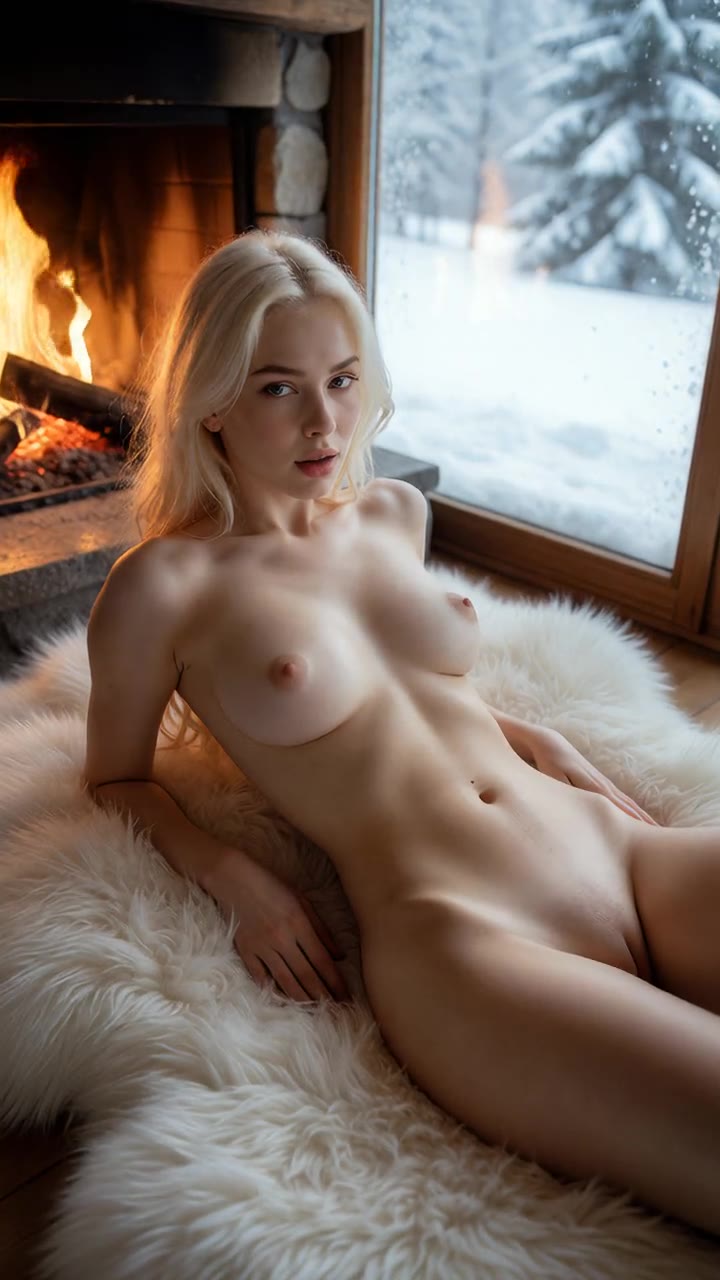
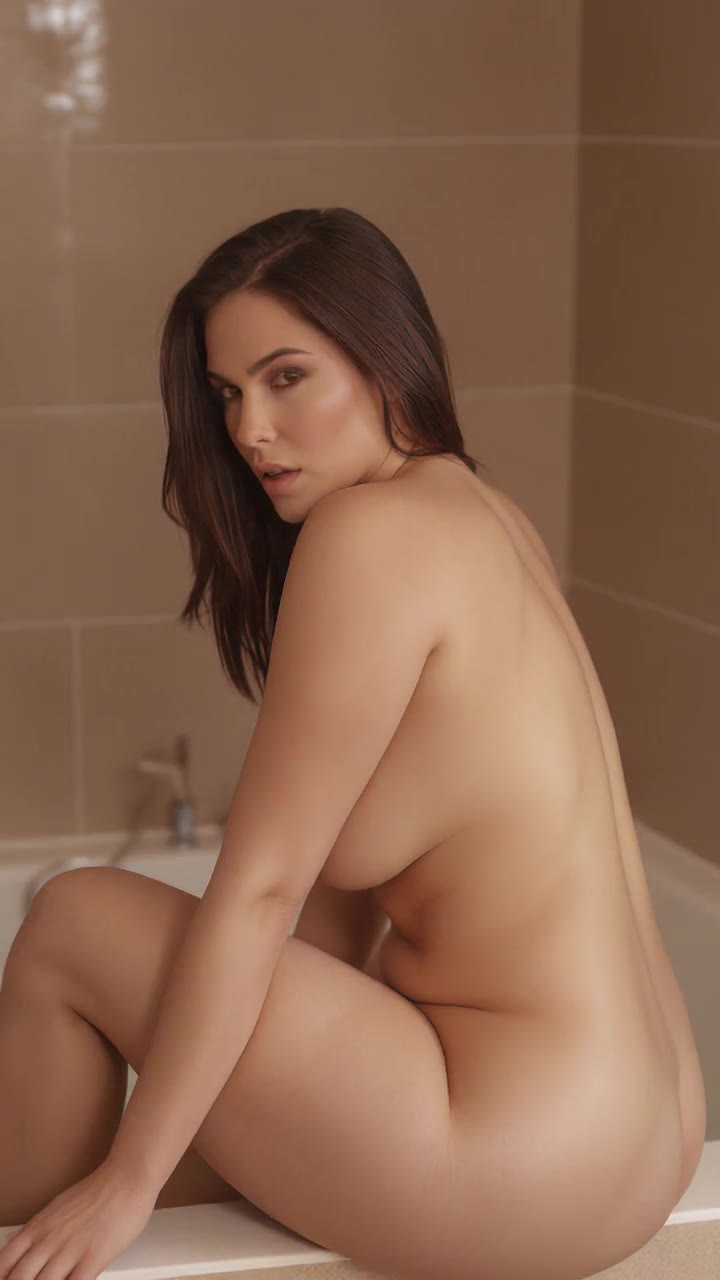
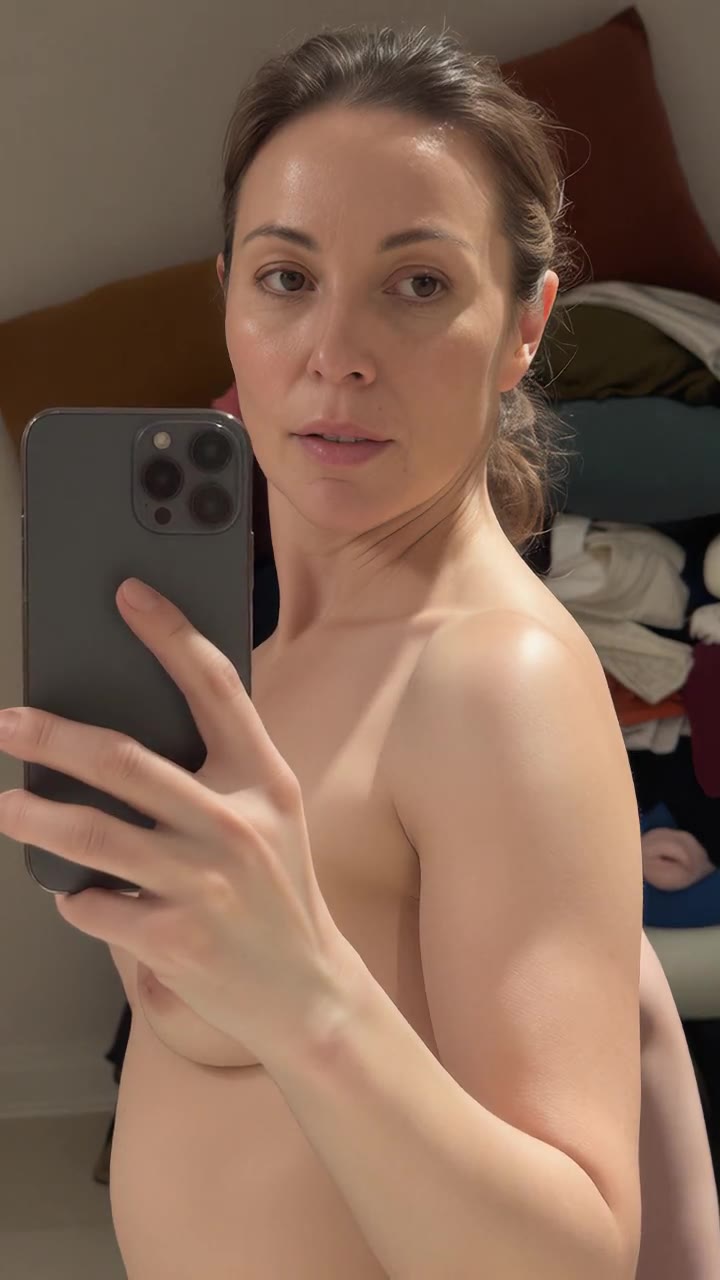
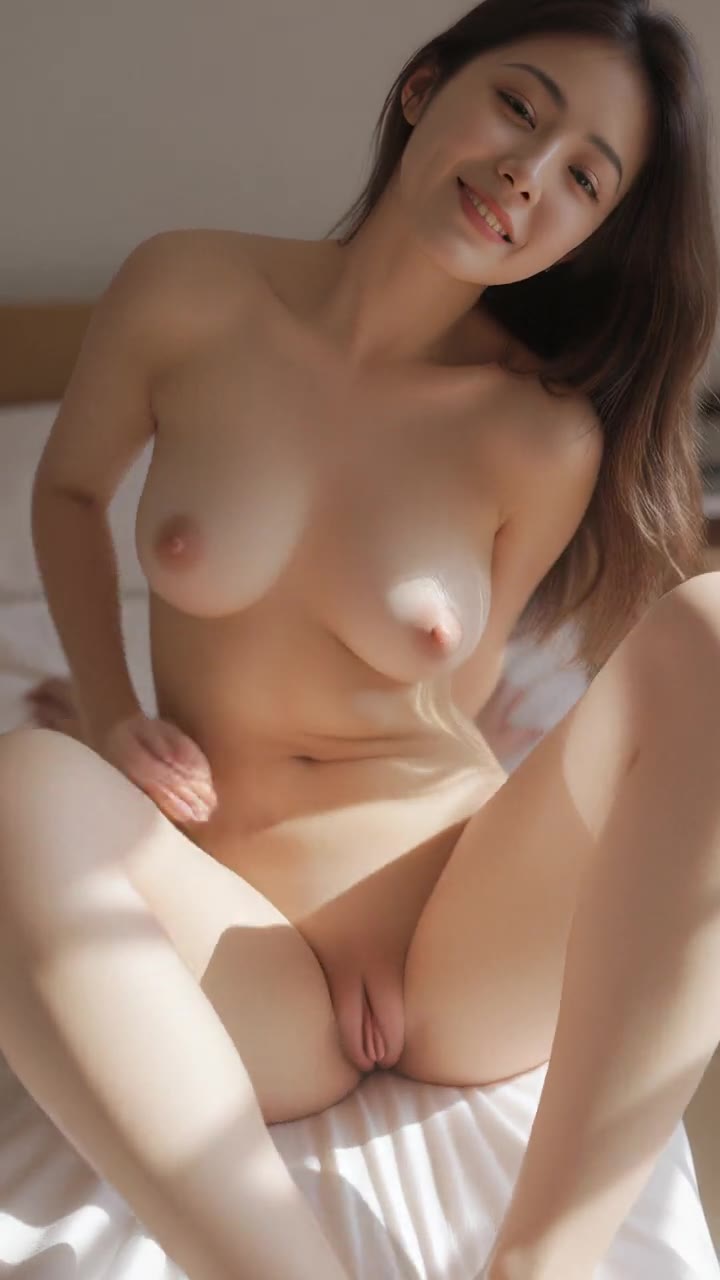
From the community
See more →
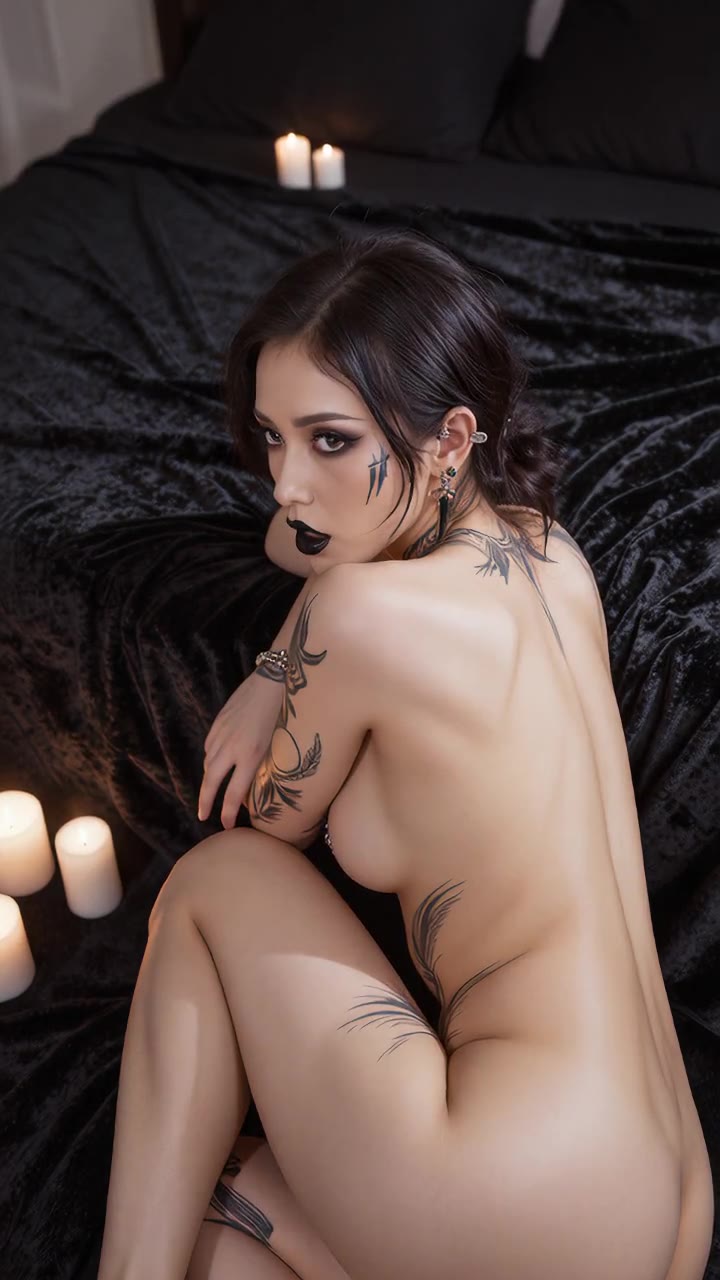
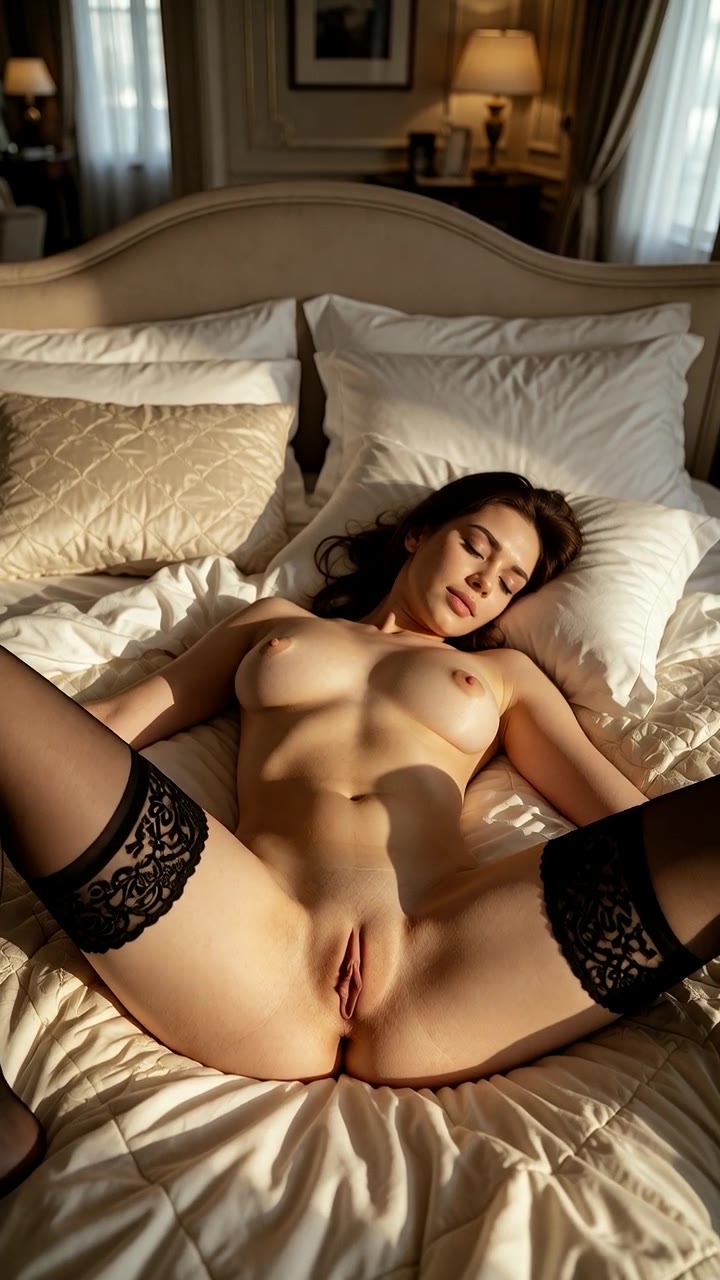
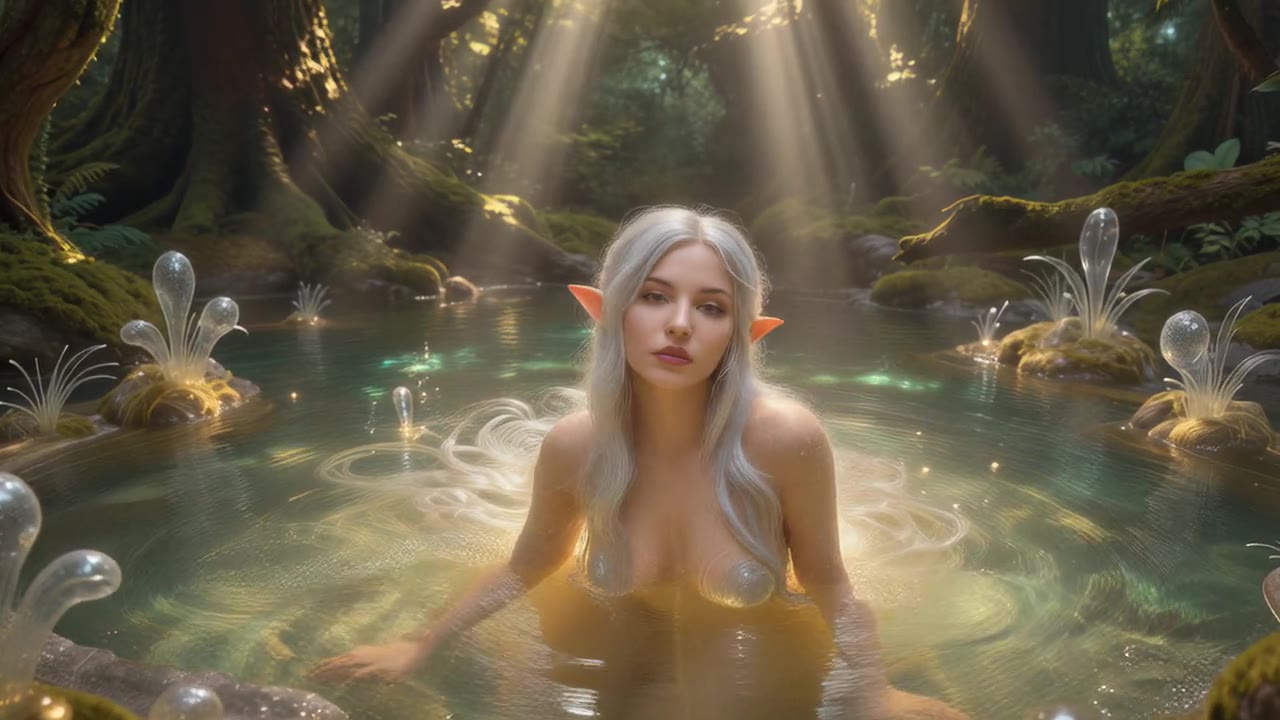
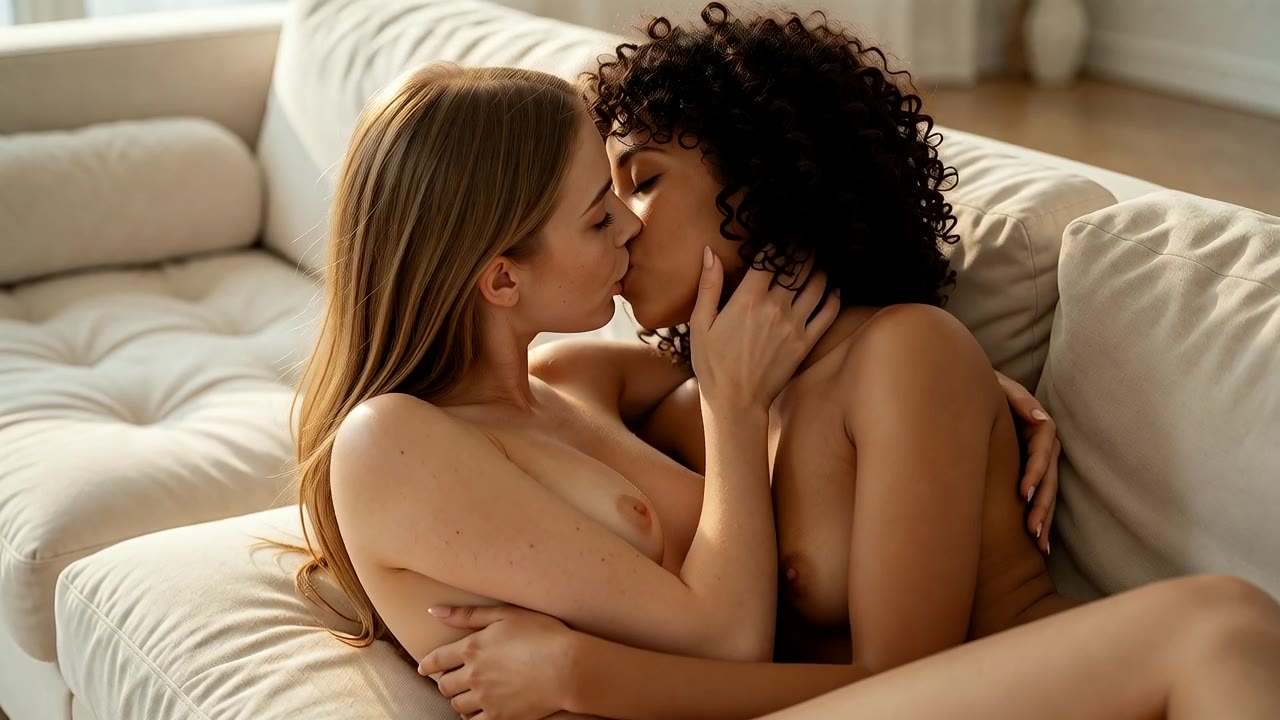
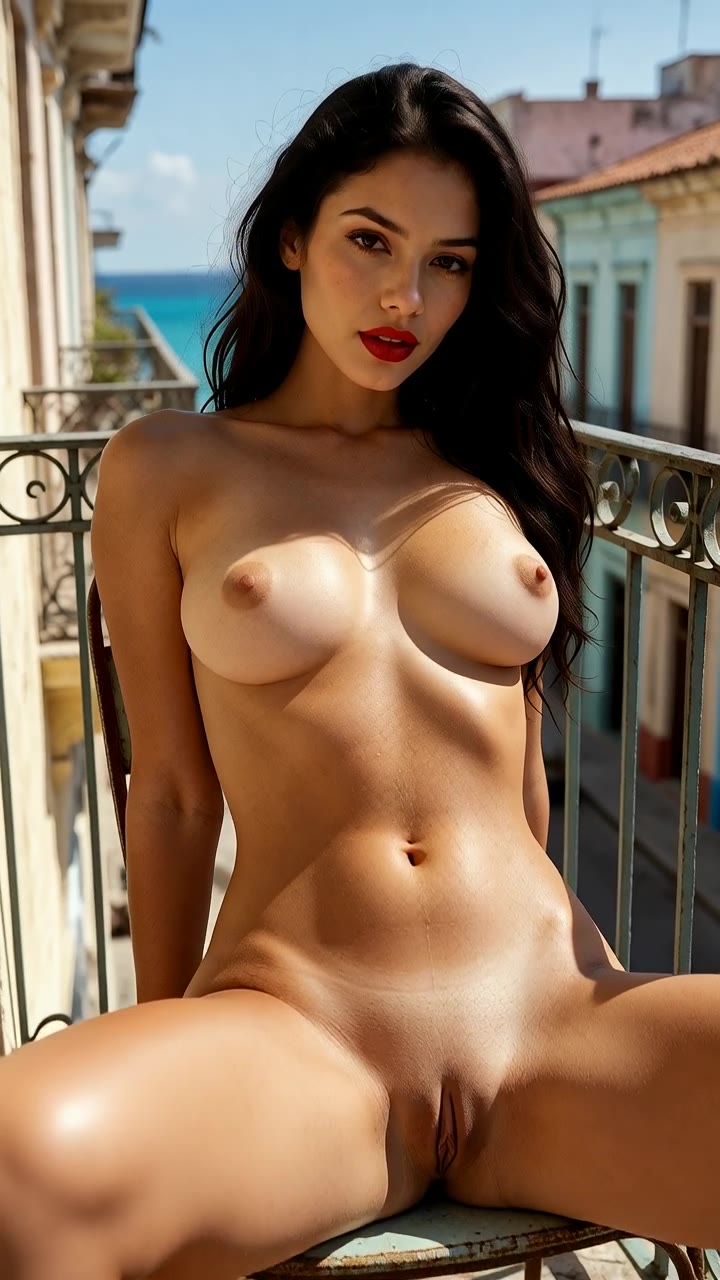
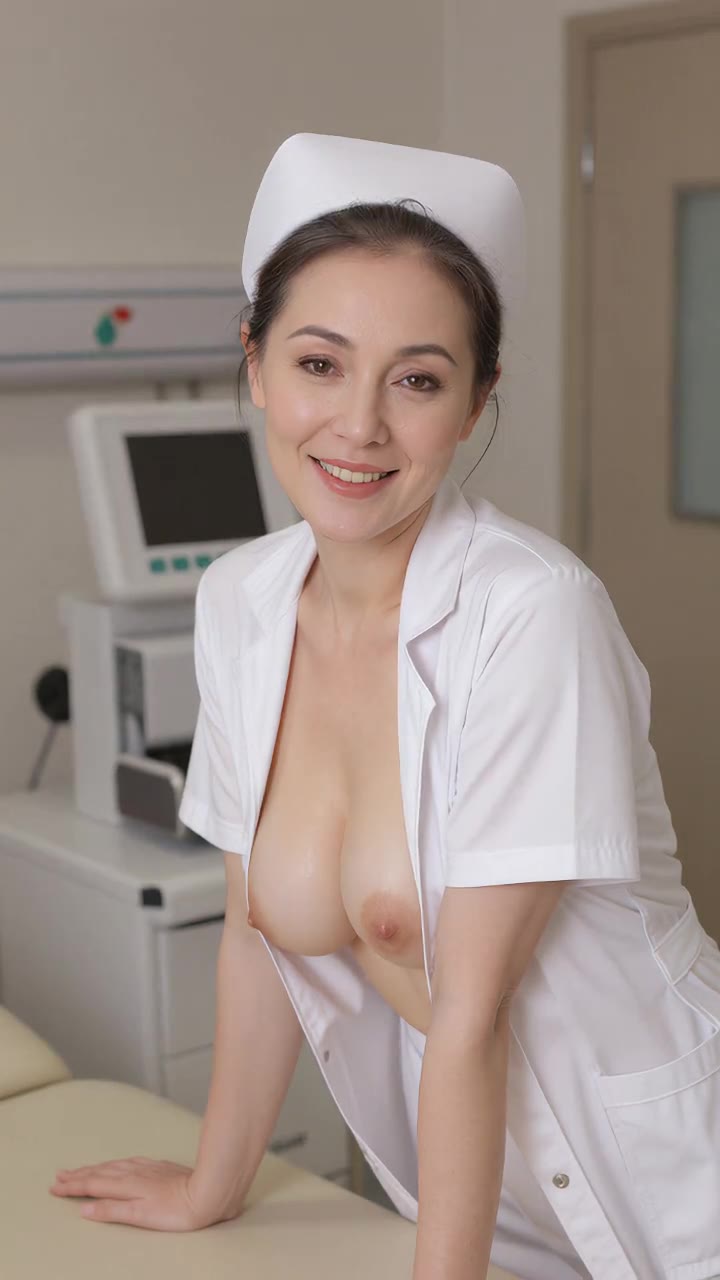
Simple, pay-as-you-go pricing
- 50 free tokens when you confirm your email.
- Token packs from $20.00 for 2,100 tokens, paid in crypto. No subscription.
- Images from 5 tokens, videos from 85 tokens, depending on the model.
- Purchased tokens never expire. Free tokens (signup, daily, bonus) may be changed or withdrawn, see the Terms. A failed generation returns its tokens automatically; purchases are refunded only as set out in our Terms.
Frequently asked questions
Can I animate one of my images instead?
Yes. See the Image to Video page: your image becomes the first frame and the model adds only the motion.
Image to Video page →How long does a video take?
Usually a few minutes, depending on the model and how busy it is. The clip renders in the background and appears in your library when it is ready.
How long are the clips?
Each clip is 5 seconds. You can join several clips into a longer video in the Studio.
Is there sound?
Many video models can generate sound with the clip. Look for the "Generate audio" switch in the Studio; models without it make silent clips.
How much does a video cost?
Image-to-video clips cost from 85 tokens and text-to-video clips from 120 tokens, depending on the model. Video costs more than an image because the model renders every frame; each price is listed on this page and in the Studio before you generate. If a clip fails, the tokens go back to your balance.
Are the videos real?
No. Every clip is generated by an AI model. We block anything involving anyone under 18 or who appears to be under 18, real identifiable people, non-consent and sexual violence, incest, bestiality or anything illegal, and we do not host deepfakes.
Can I publish my videos?
Yes. Clips are private until you publish them to your channel and the gallery, and you can unpublish them at any time.
Text→Video or Image→Video: which should I use?
Text→Video is quickest for trying ideas, because it builds everything from the prompt. Image→Video gives you control over exactly how the person and the scene look, because your image becomes the first frame.
Make your first explicit AI video
Sign up free and confirm your email to try the Studio: 50 free tokens ≈ 8 images; videos start at 85 tokens.
18+ only. All content is AI-generated; prompts involving anyone under 18 or who appears to be under 18, real identifiable people, non-consent and sexual violence, incest, bestiality or anything illegal are blocked.